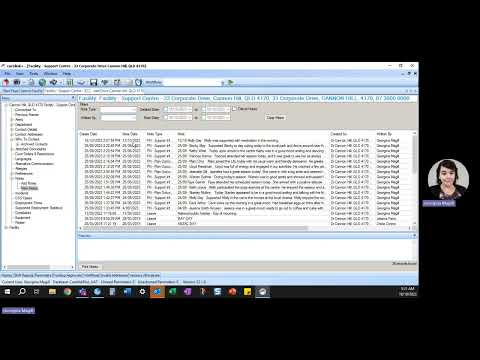
Carelink+ Guide – Client Progress Notes Reporting
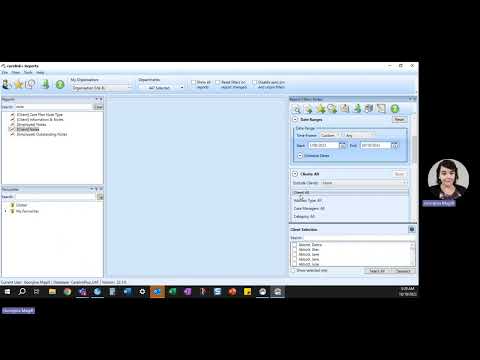
How to generate a report of client’s progress notes in…
Carelink+ is our one-stop-shop for client information, centralised rostering and weekly billing to NDIA. With CarelinkGO, you can now access it all on your mobile device!

Carelink+ is Endeavour Foundation’s client management system for information on people we support, centralised rostering and weekly billing to NDIA.
The CarelinkGO app is designed to utilise Carelink+ through a mobile device. The app provides roster and shift information to support workers directly on a mobile device.
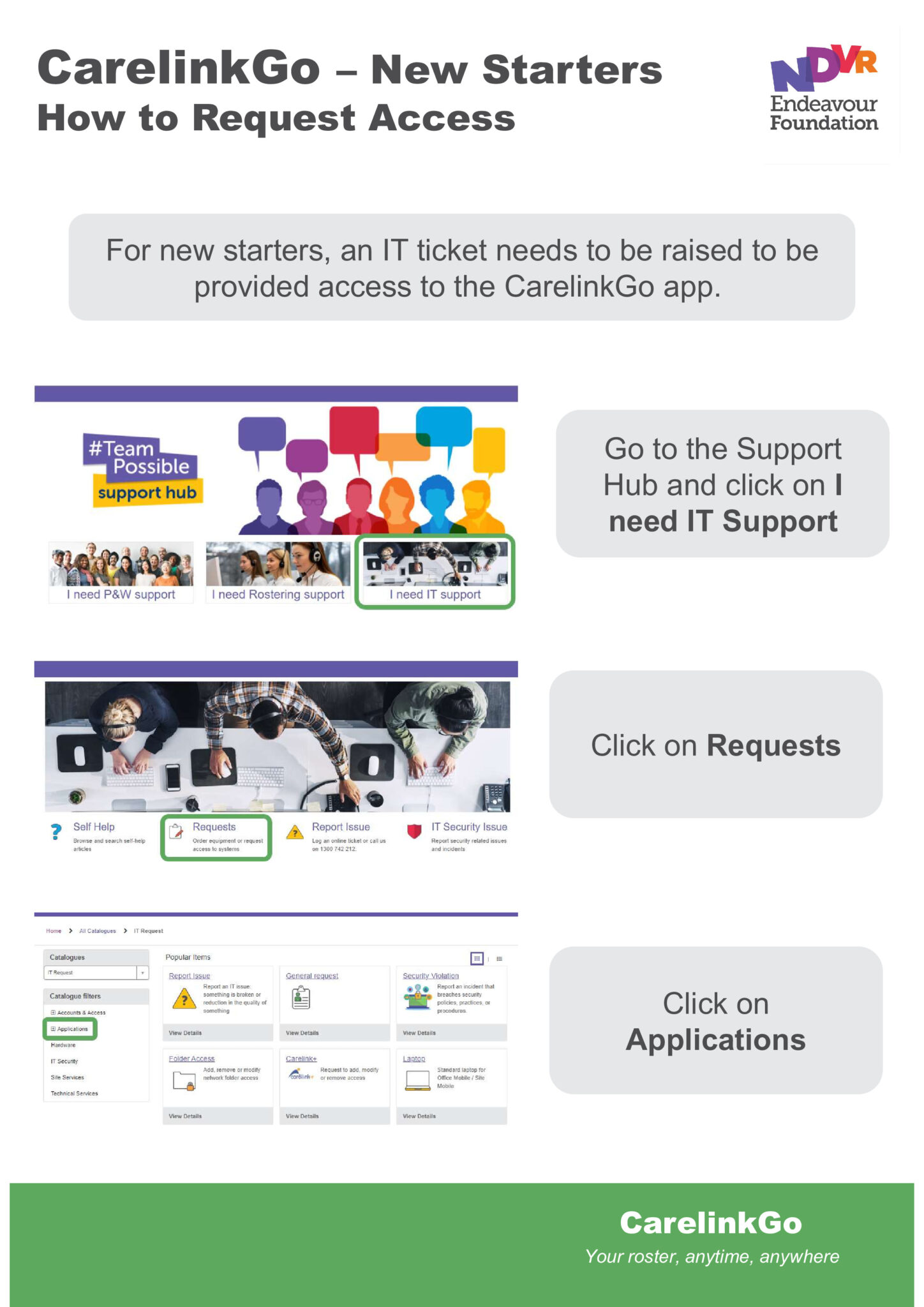
If you need access to Carelink+ or CarelinkGO please log a request through the #TeamPossible Support Hub

How you enter data is important to ensure consistency across the organisation. Everyone must ensure information in Carelink+ is up-to-date and accurate.
Information such as team / reporting structure, staff personal details and availability should always be updated in PeopleSoft, which is automatically pushed into Carelink+ for effective rostering.
Additional information on people we support or frontline staff is also helpful as it ensures the rostering team can match the right Support Worker to the person we support.

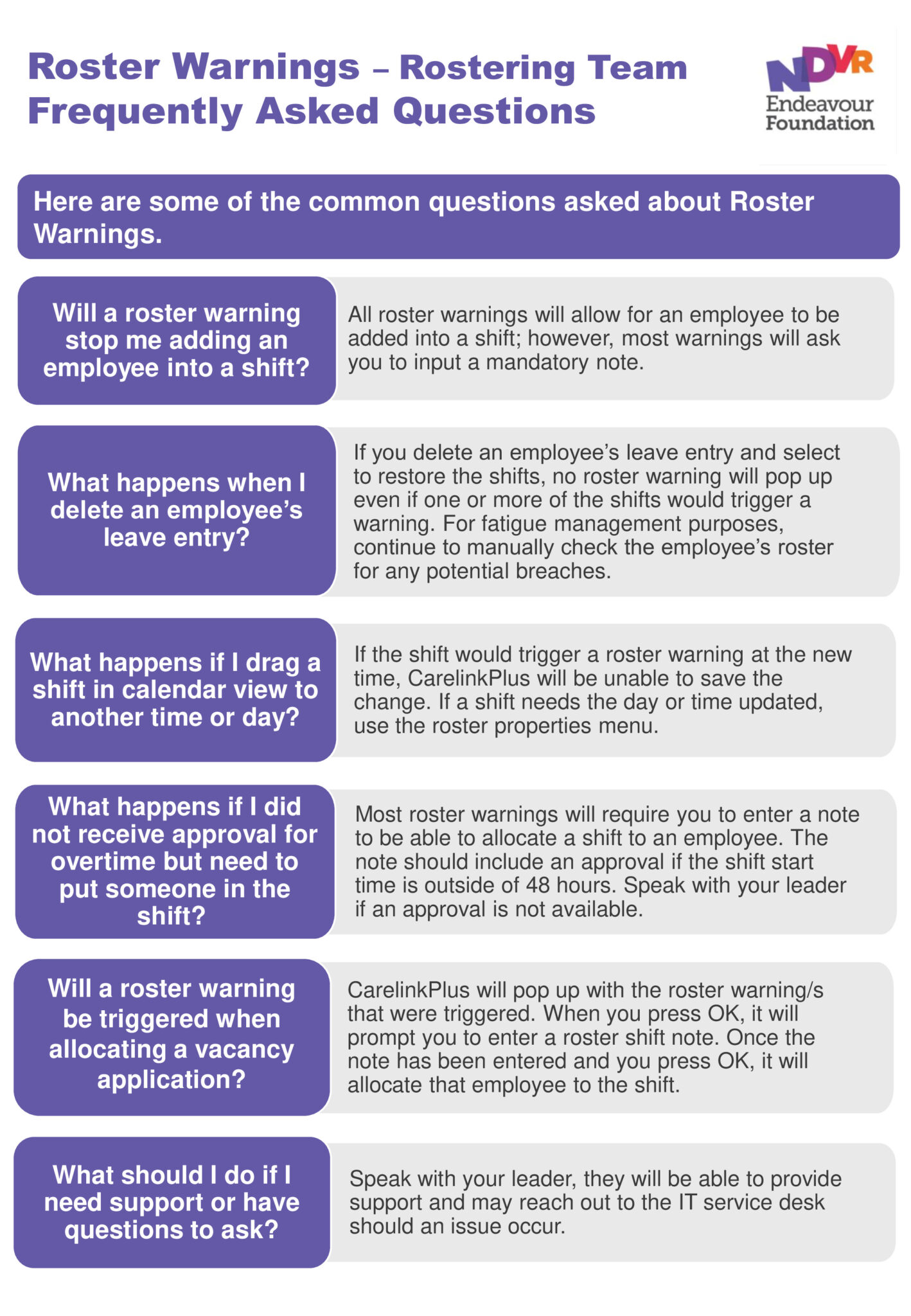
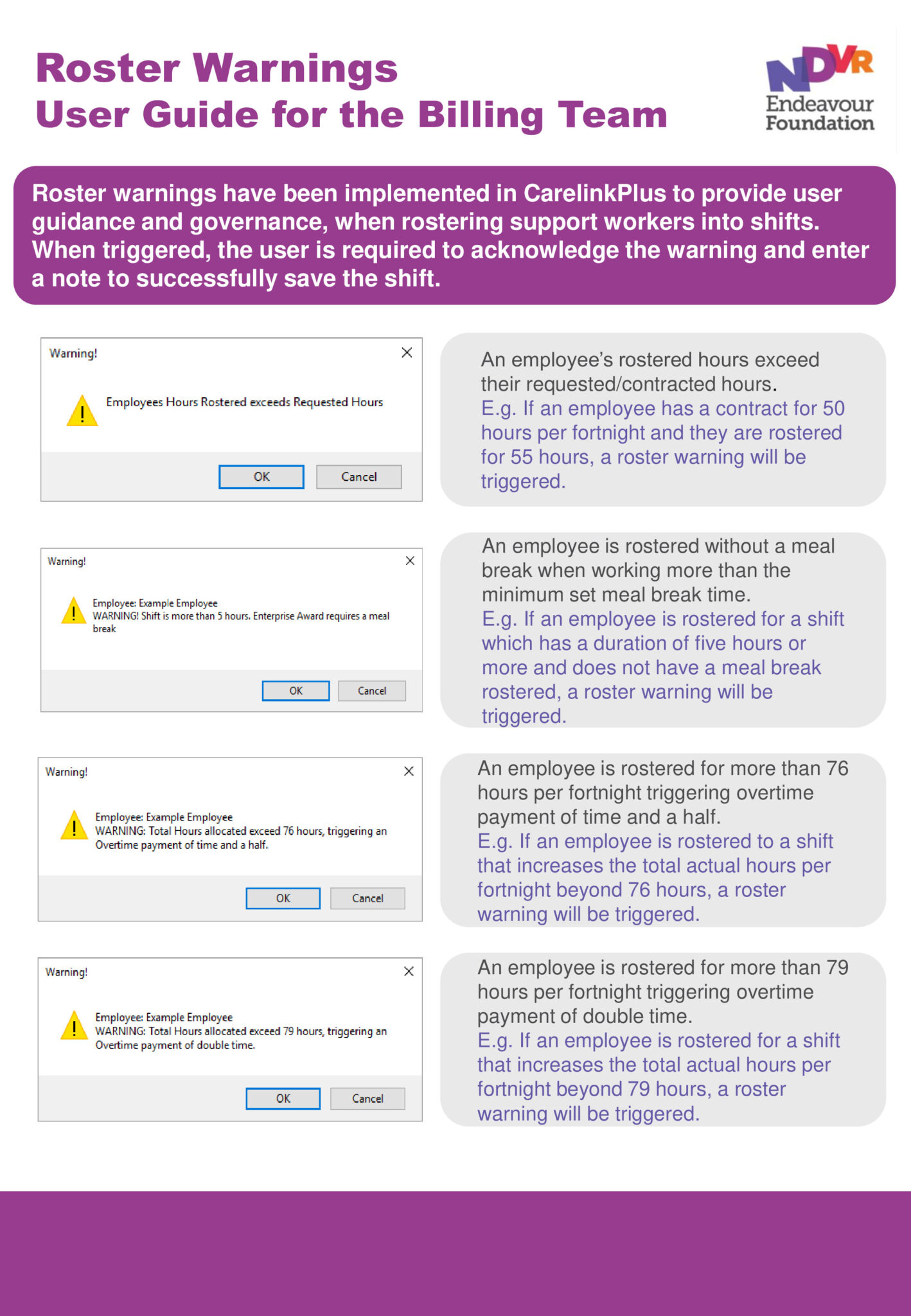
The roster warning process provides support and governance when rostering support workers into shifts. Resources have been developed for Rostering and Billing Officers explaining the actions to take when a roster warning notification appears:

Licenses: We only have a certain number of concurrent licenses for users to access Carelink+ at the same time. If you’re not using the system, please remember to log off.
Access issues: Systems rely on our technology infrastructure and bandwidth which can make access slow. If you have system issues, please log these with #TeamPossible Support Hub to ensure we have a record and visibility of the challenges you are facing with Carelink+ and technology.

Support workers using CarelinkGO on a mobile device will have:
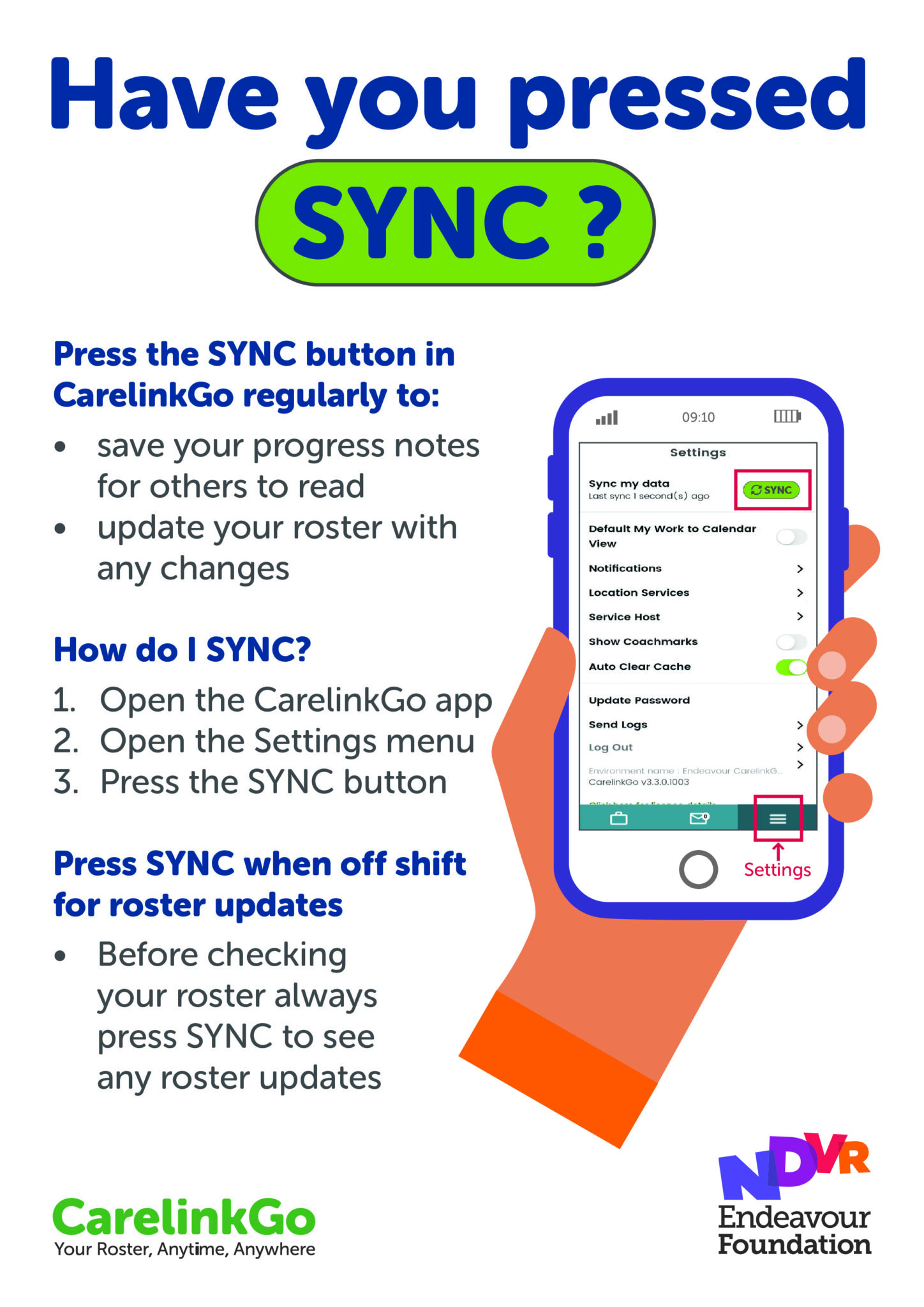
Sync the CarelinkGO app regularly to see the most up to date roster and to save and share progress notes with your team. Make sure you switch on app notifications to get the latest roster updates too!
You can download all our CarelinkGO guides in the resource section below.

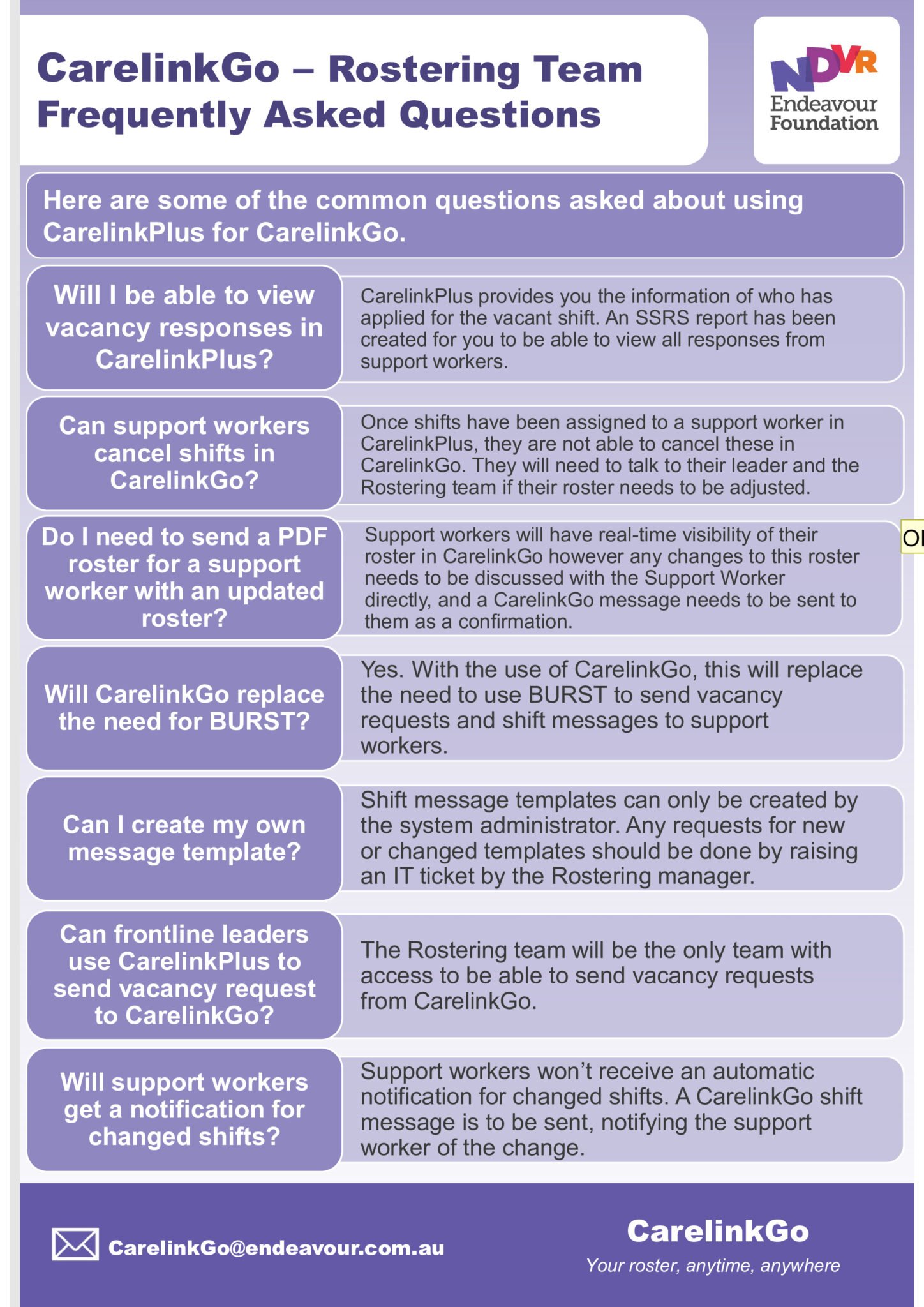
Answers to your questions about Carelink+ will be provided by Technology, Rostering or Billing depending on what you need.
| Issue | Contact |
|---|---|
| Systems access, issues, small changes and obtaining data reports | #TeamPossible Support Hub |
| View rosters, add preference information, backfill instructions and notes. | [email protected] |
| View funding details, yellow flag process, and general billing. | [email protected] |