What is Connect2Work? (One Page Guide)
What is Connect2Work? (One Page Guide)
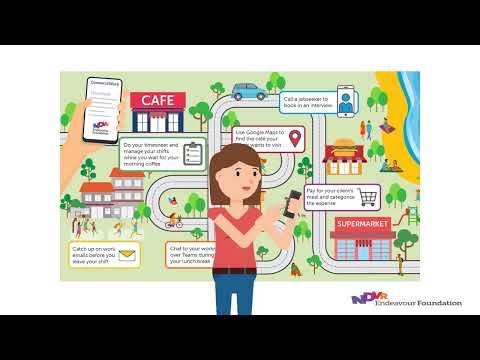
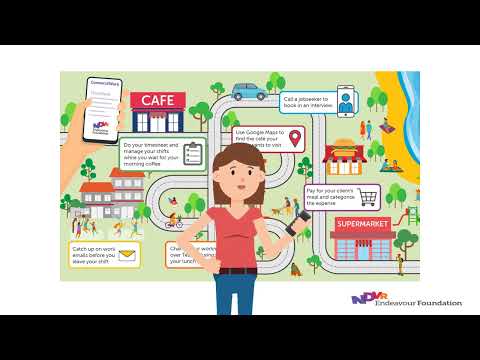
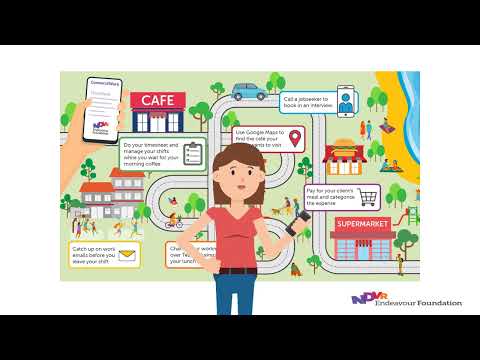
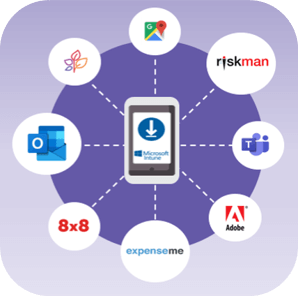
Mobiles have changed the way we live. We want to connect at work simply. Now it’s possible! You can securely access Endeavour Foundation apps and information via mobile with Connect2Work.
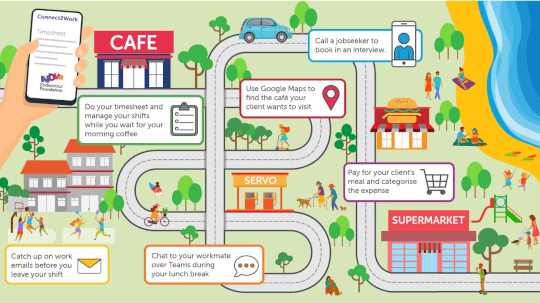
Our Connect2Work app called the Microsoft Intune Company Portal will ensure your private information and personal apps are not visible to Endeavour Foundation, while protecting company data when staff are accessing Endeavour Foundation apps.
Step 1: Select your device using our how to choose your device guide.
Step 2: Set up your device using the appropriate instruction guide:
| iPhone Devices and Backing Up | Android Devices |
|---|---|
| Your iPhone | Your Android |
| Corporate iPhone | Corporate Android |
| Backing up Corporate Device (iPhone and Android) | Android House Phone |
Step 3: Start accessing your Endeavour Foundation apps!

We understand how important privacy is to you, so it is our top priority to ensure we provide the best protection for both your personal information and our company data. Below is what Endeavour Foundation can and cannot see.
Please remember, Endeavour Foundation will never be able to access your personal information on your phone, including messages, photos, calls, browsers or email.
 Endeavour Foundation cannot:
 Endeavour Foundation can:
It’s important your mobile meets the security requirements to keep both your information and corporate data safe.
If a device becomes non-compliant, fortnightly compensation may be put on hold. If it stays non-compliant for over 30 days, the Connect2Work platform may be removed from a device. Download our fact sheet to learn how to make your phone compliant: