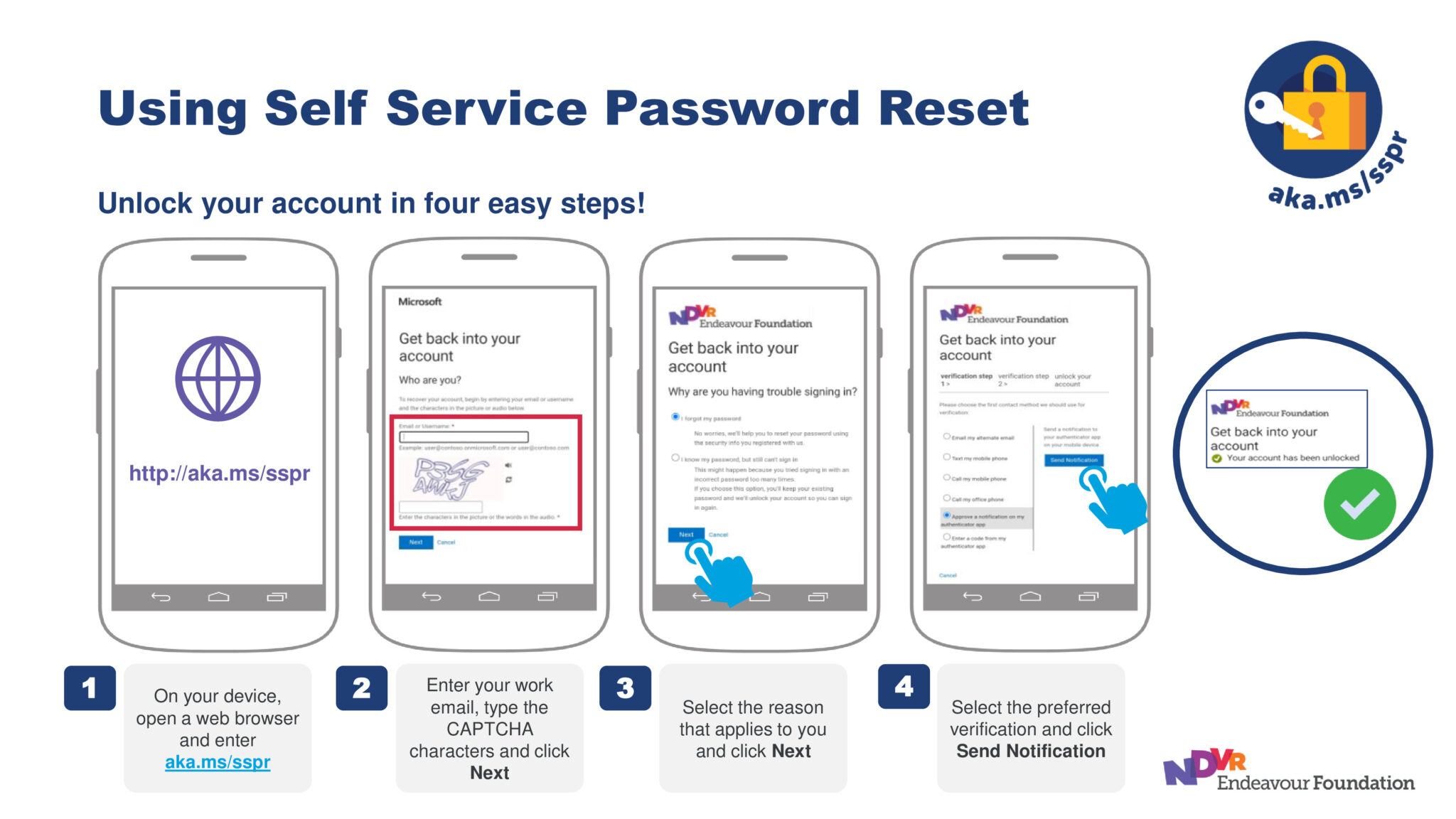
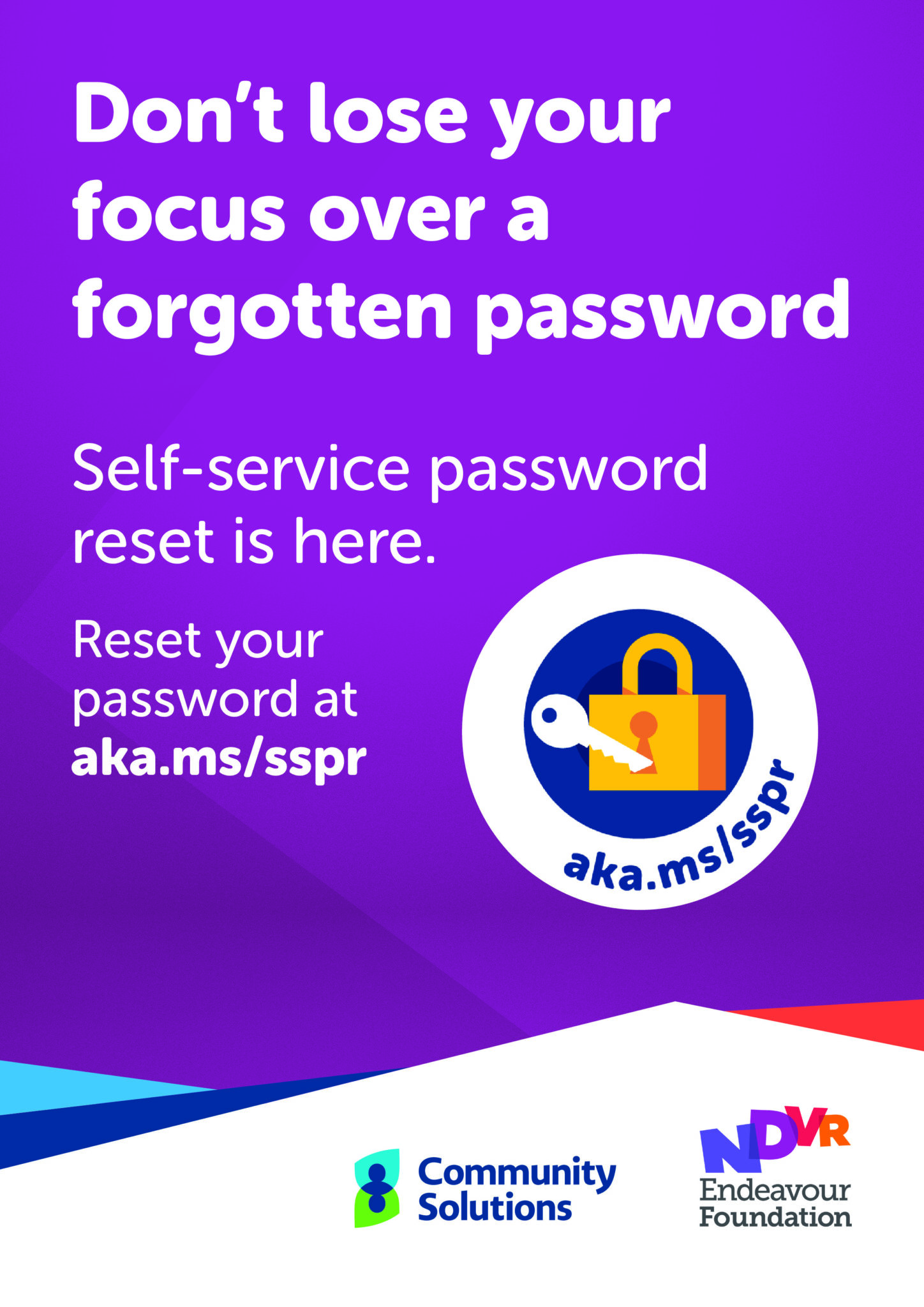
To make your work easier and more efficient, you can now reset your own password when locked out of their account without waiting for the IT Service Desk to assist!
Update MFA Details
Before accessing the Self-Service Password Reset feature, all employees must have two methods of authentication added to their account.
This confirms your identity when needing access to your account and apps, ensuring you still have access if one method of authentication is not available to you while keeping your information secure.

Microsoft Authenticator App
If you already have the Microsoft Authenticator app on your phone, you’re halfway there! Microsoft Authenticator is the preferred default authentication method at Endeavour Foundation due to its security and quick access feature.

Adding a Second Method
Add a second method of authentication (like a personal email address or personal mobile number) to make sure always have a way in if your first method is not available to you.
- Do not add your work email as a method of authentication. You cannot access your work email address if you are locked out.

Find Out More
For more information on the Self-Service Password Reset feature, download the resources listed in the resources section below, visit the Self Service Password Reset intranet page, or take a look at a recording of our most recent Self-Service Password Reset information session:
Please reach out to the IT Service Desk on 1300 742 212 or raise a ticket in the #TeamPossible Support Hub for help.
Resources
View all
News
View all
Director Election Expression of Interest

Are you in email overload?

Grant funding brings new life to Alex Hills L&L

BRACE proposed changes

Fire Services – Chubb Fire & Security is our new provider