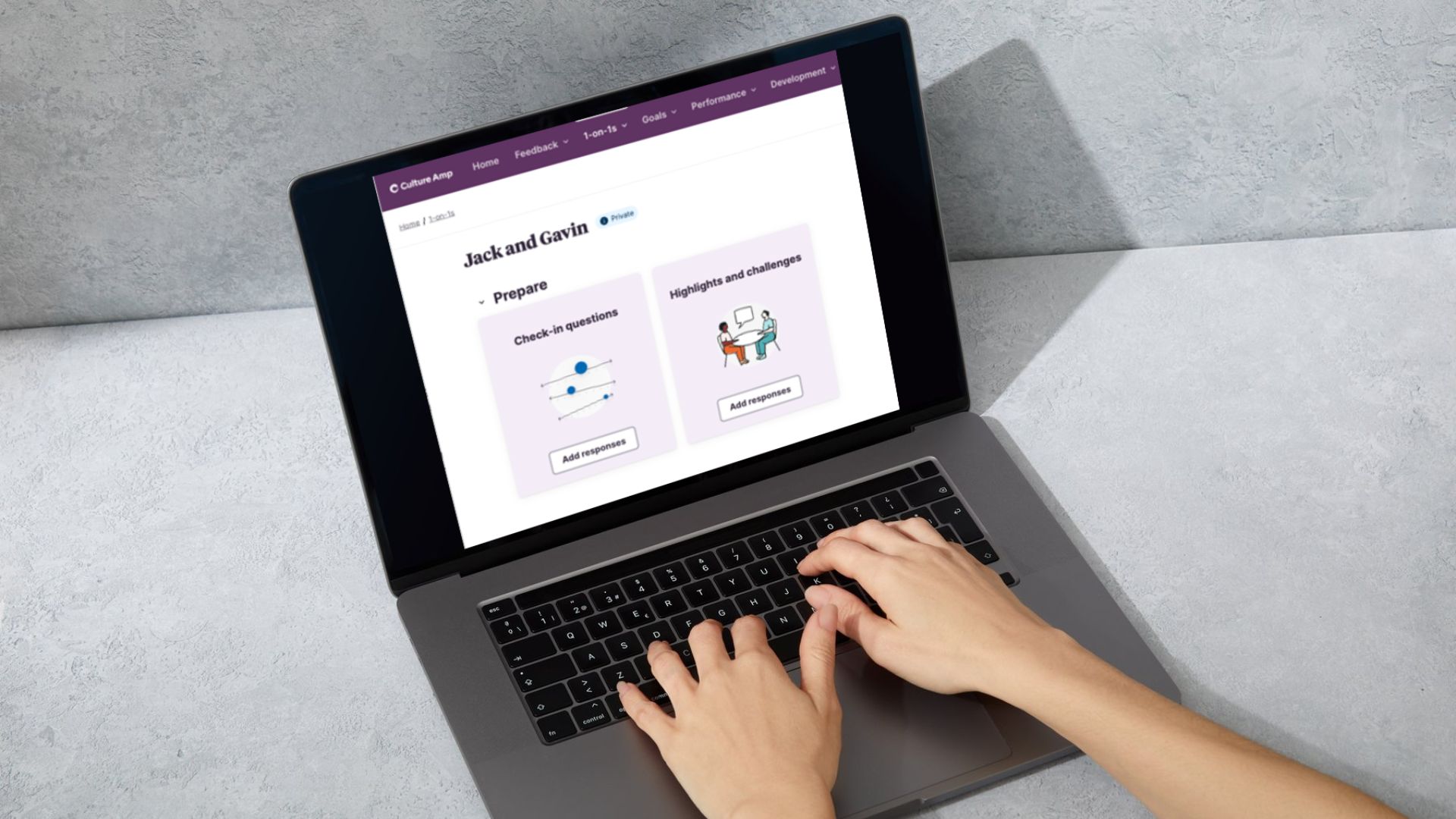
We encourage open and continuous conversation between leaders and team members to help you focus on your growth and development at Endeavour Foundation. From Monday 15 July, CultureAmp will roll out some new features on the 1-on-1 pages, making it even easier for you to have meaningful 1-on-1s.
If you have any questions, please speak to your People and Wellbeing Business Partner or raise a ticket with People and Wellbeing in the #TeamPossible Support Hub.

User Guide and EasyRead
Check out some of the new features rolling out next week! Click here to download a copy of the CultureAmp 1-on-1 Guide.
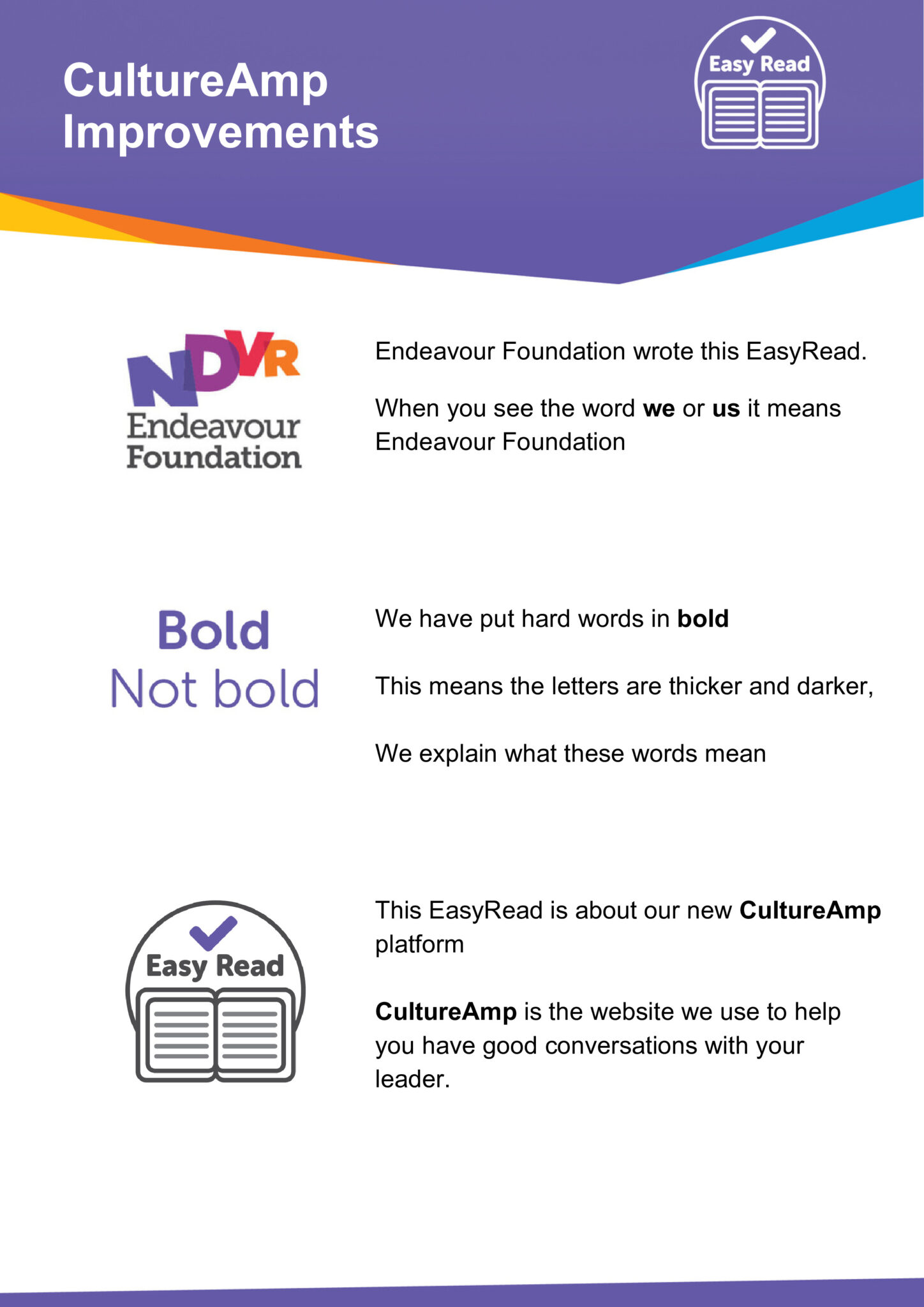
To view and share these instructions in EasyRead format, please click here.

Creating and Viewing 1-on-1s
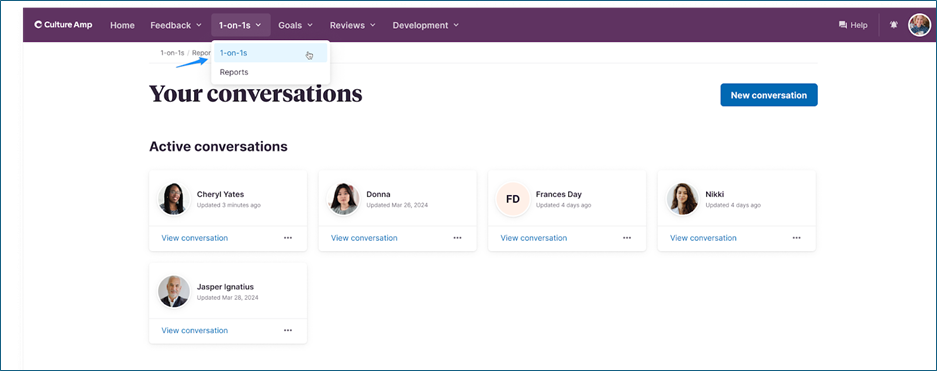
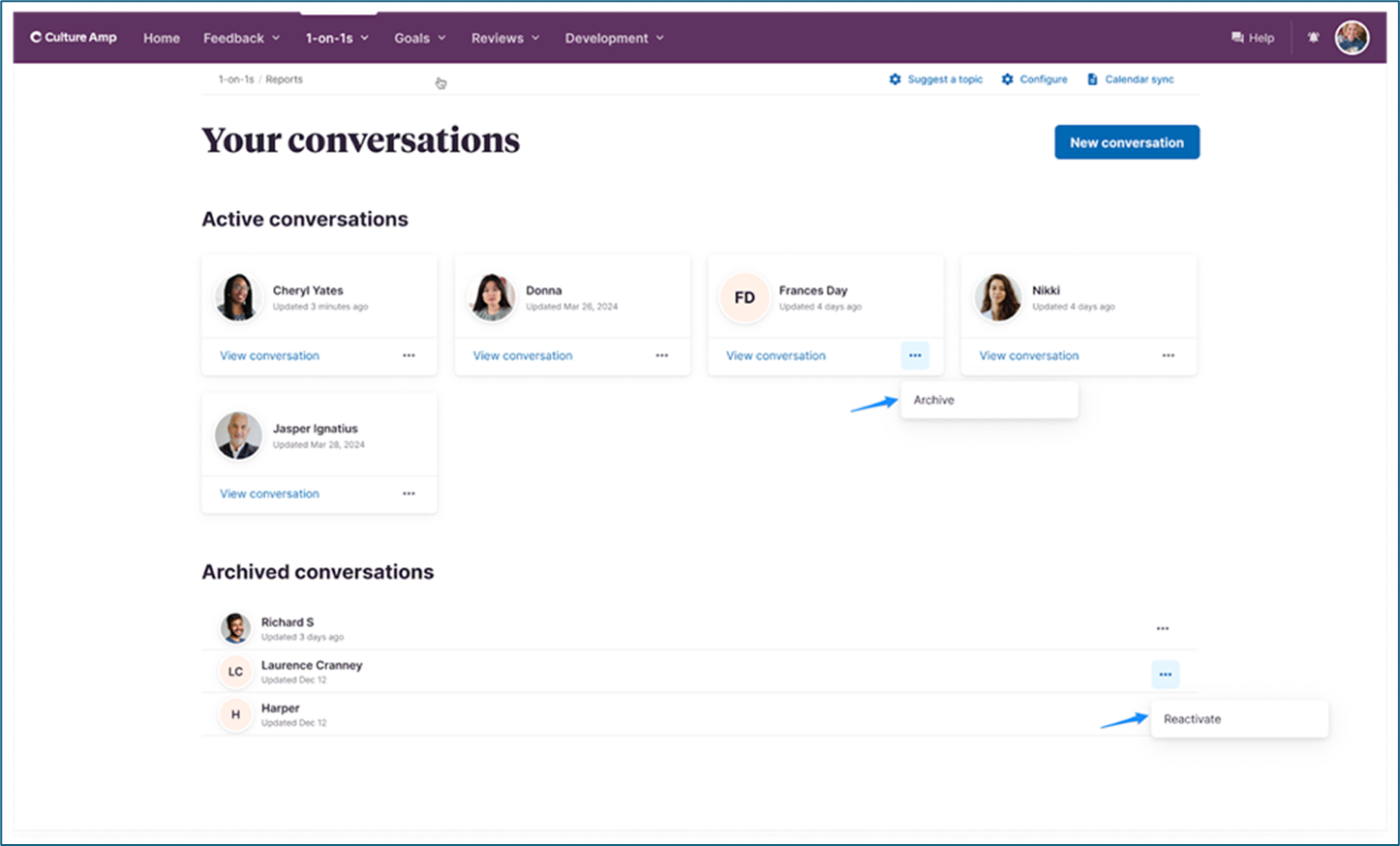
Your 1-on-1 page has a refreshed and easy to view layout. To access your 1-on-1s, select 1-on-1s from the CultureAmp dropdown menu, then click ‘View conversation’ on the relevant person. Leaders will see conversation tiles of all direct reports, and team members will see their leader’s conversation tile.
Leaders can also start a new 1-on-1 by clicking the blue ‘New Conversation’ button in the top right corner.

Preparing for 1-on-1s
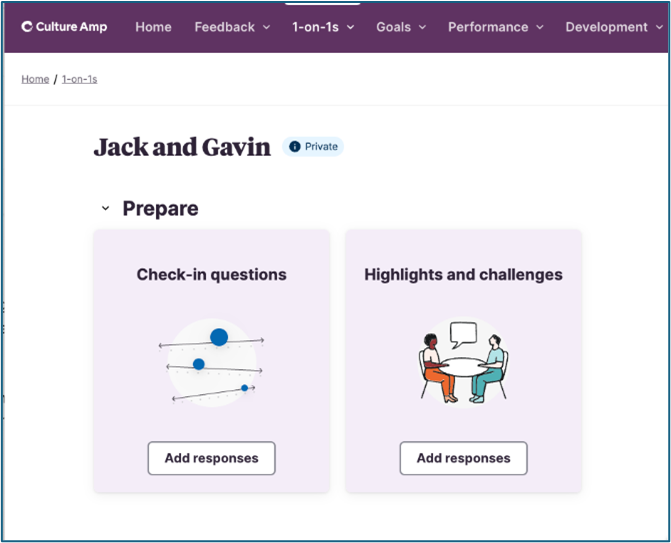
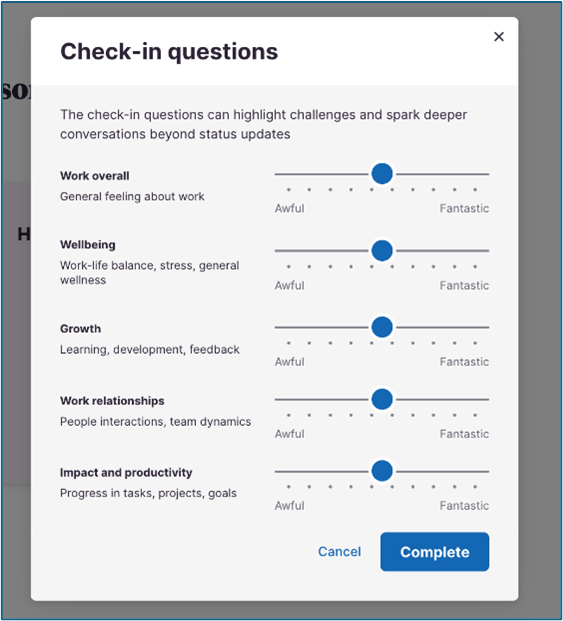
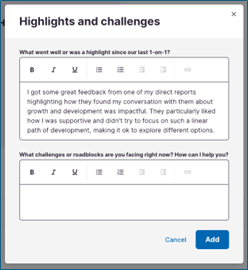
Checking in has never been easier! To add check-in responses, highlights and challenges to your 1-on-1 with your leader, navigate to your 1-to-1 page, click View conversation on the appropriate tile, and add your responses! These responses will then be included in your 1-on-1 agenda with your leader.

Quick Agenda Access
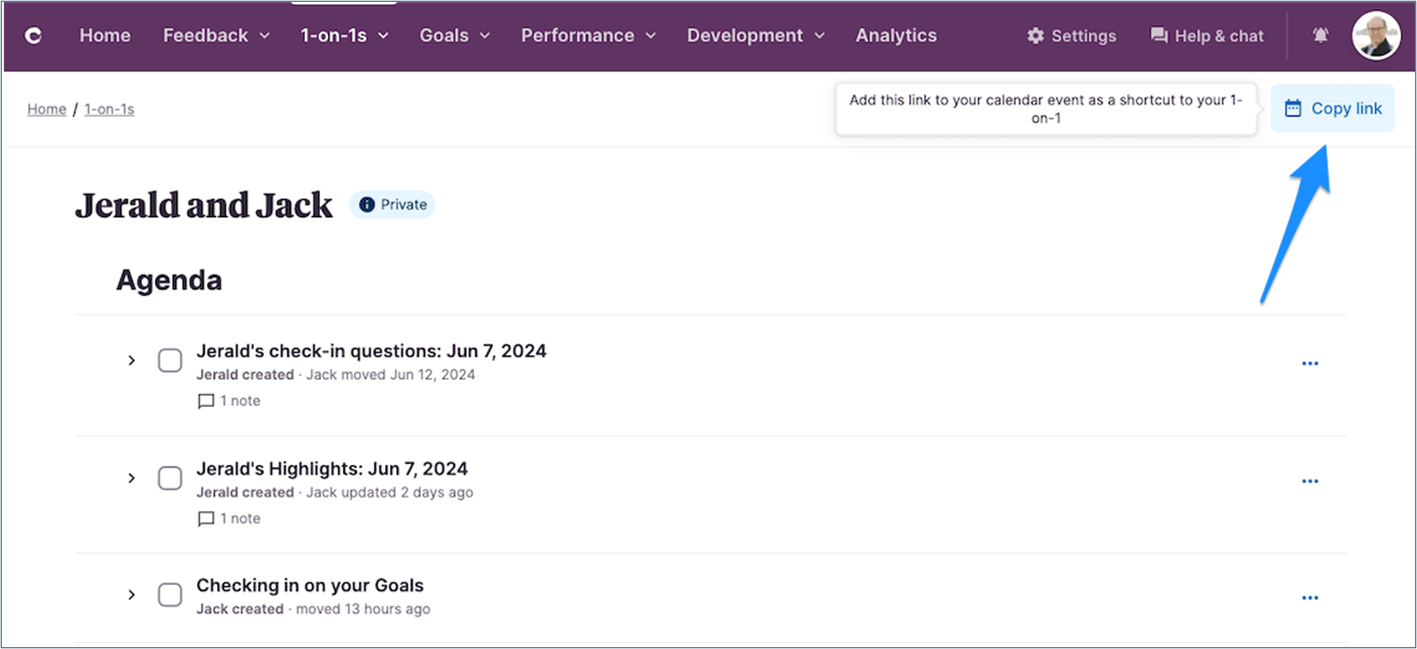
CultureAmp now has a Copy link button for quick access to your 1-on-1 agenda.
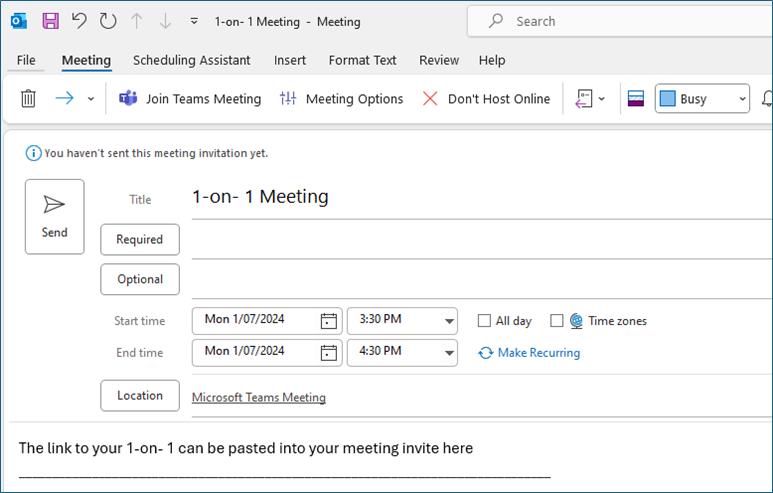
Click the Copy link button at the top right-hand side of your 1-on-1 agenda, set up a recurring Outlook meeting invite like normal (or navigate to your current Outlook meeting), and paste the link into the Outlook meeting invite.
Leaders, there’s no need to sync your Outlook calendar with CultureAmp anymore!

Improved Agenda Layout
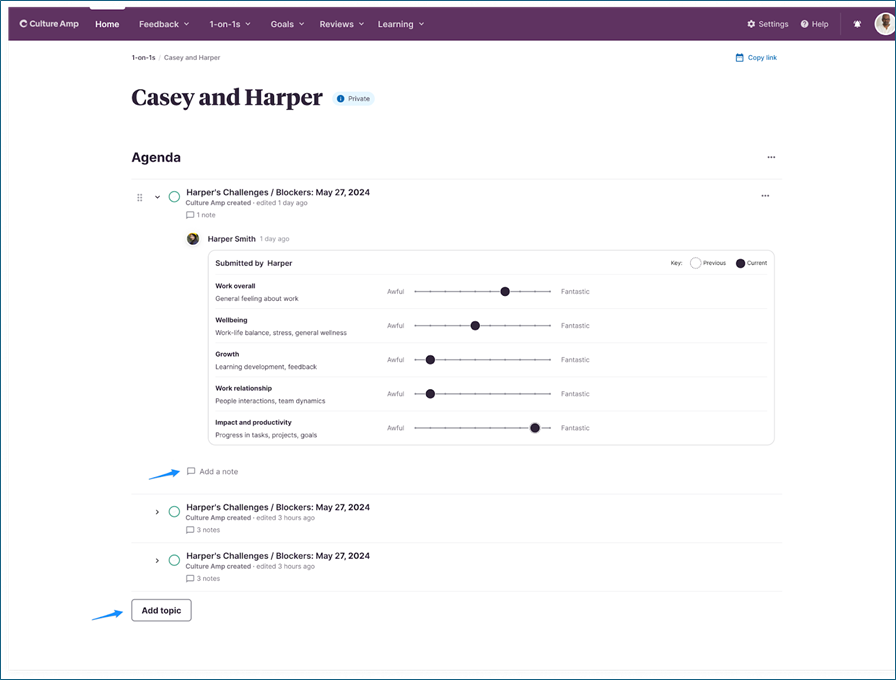
No more scrolling up and down to view your check-in responses! Your check-in answers, highlights and challenges will now appear as their own agenda items. Use the drop-down arrows to easily view and discuss these during your 1-on-1.
You can also add more topics to your agenda by clicking the Add topic button at the bottom left-hand corner.

Archive Conversations (for Leaders)
To archive a 1-on-1 conversation with a direct report who has changed leaders or resigned, click the ellipsis (…) on the appropriate tile and select Archive to move it to the archived conversations section.
To move it back to Active conversations, simply click the ellipsis again and select Reactivate.
Resources
View all
News
View all
Director Election Expression of Interest

Are you in email overload?
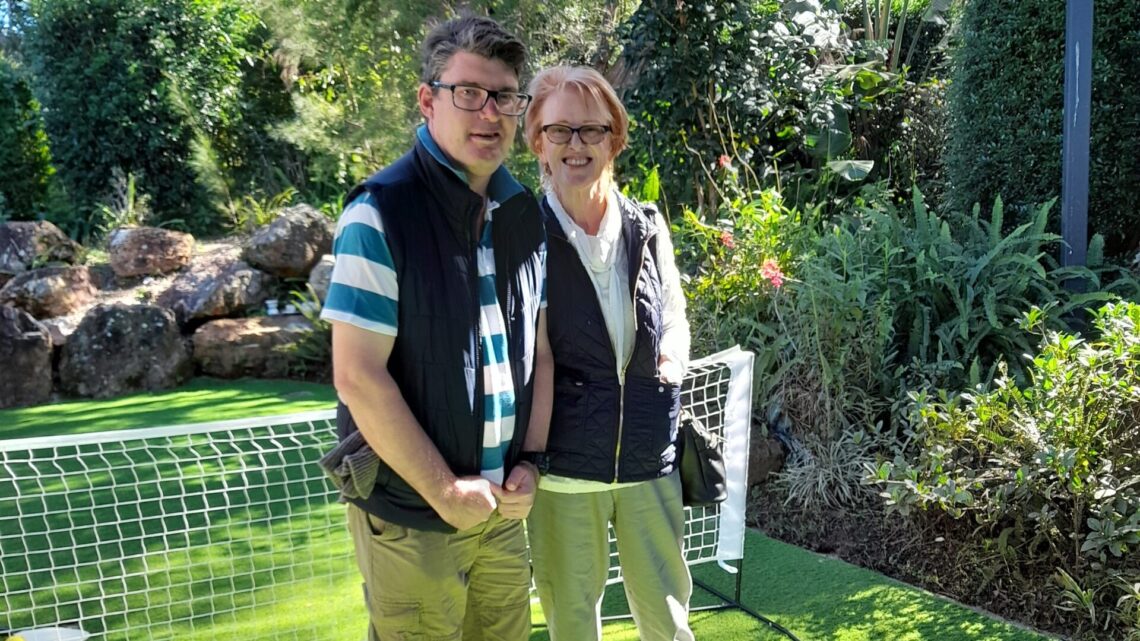
Grant funding brings new life to Alex Hills L&L

BRACE proposed changes

Fire Services – Chubb Fire & Security is our new provider