
Everyone always asks me about Garn and I can show my friends what he has been doing. People are really touched to know he has such a fulfilling life. EF Connect gives us that opportunity.
— Sharon, Garnet’s sister
What is EF Connect?
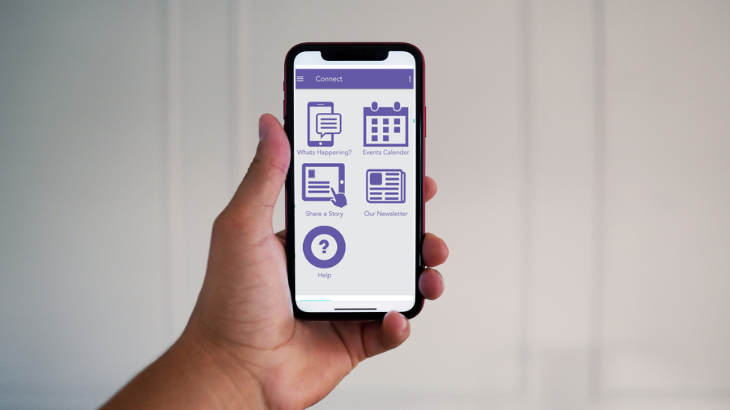
EF Connect is a two-way virtual communication tool between the organisation, the people we support and their families and carers. It is accessible via https://ndvr.azurewebsites.net/) or the EF Connect mobile app.
It is currently being utilised by our Learning and Lifestyle (L&L) hubs, select Supported Independent Living (SIL) homes and social enterprises.
This secure website and app allow for each site to have a closed virtual group exclusively for frontline employees, people we support, families and carers at each individual site.
Features include:
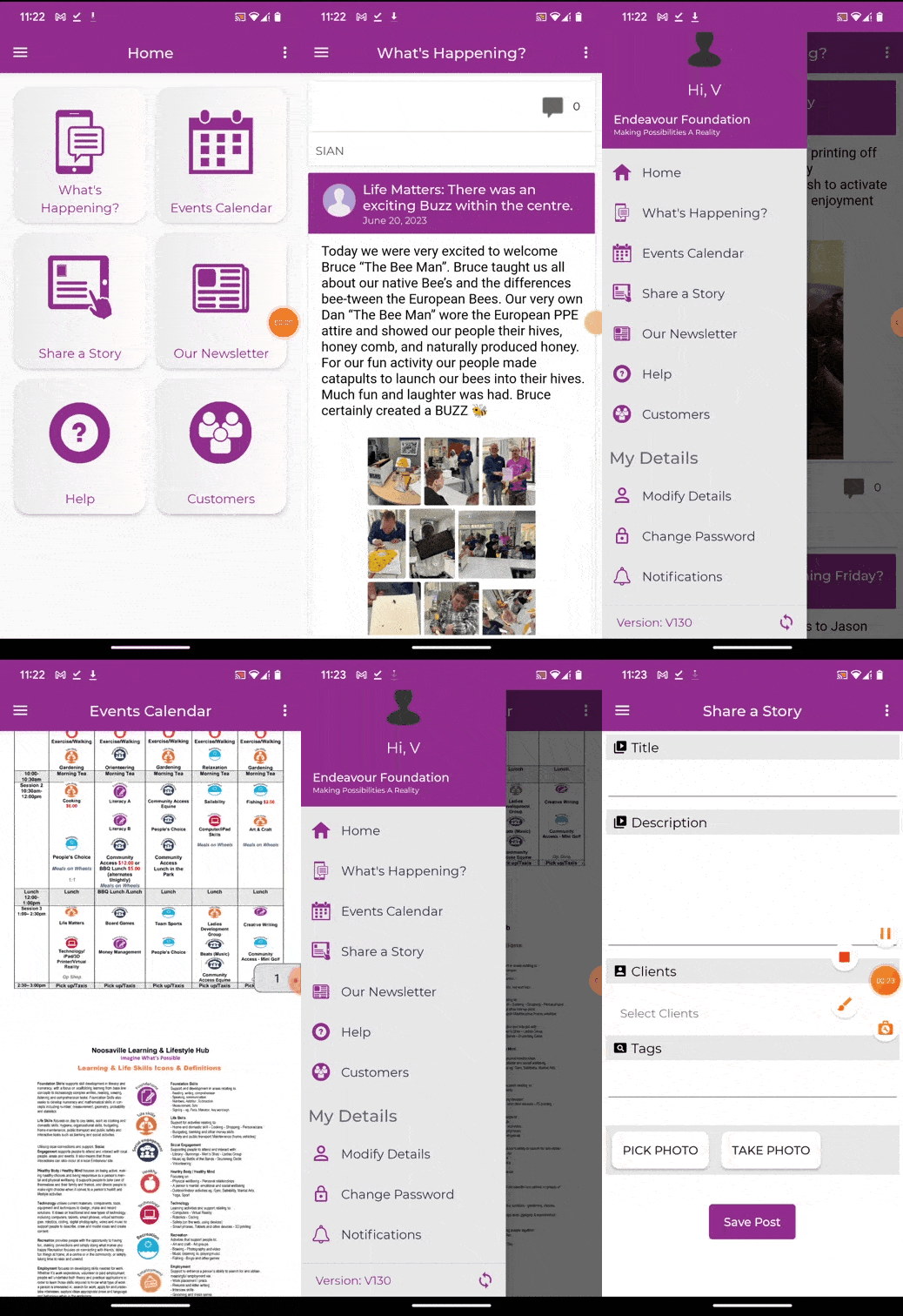
- An up-to-date view of activities and programs taking place at an L&L.
- Photos and stories capturing achievements of people we support, activities and events.
Frontline employees are encouraged to upload photos and stories at work to connect with families and carers so that they can stay connected with their loved one and engage with the organisation.

How does it work?
The EF Connect app can be downloaded from App Store (for Apple devices) or Google Play (for Android devices) by searching for ‘Endeavour Foundation Connect’.
Employees who access EF Connect will have the same view as families and carers with the addition of a client tab that allows them to view basic client details.
Need help?
You can access EF Connect guides, resources and video tutorials via the Other Resources page or on Sharepoint.
If you are having access issues to EF Connect or to Sharepoint, speak with your site manager in the first instance. If further assistance is required please email [email protected] and the Service Design team will be in touch.
News
View all
Director Election Expression of Interest
Are you in email overload?

Grant funding brings new life to Alex Hills L&L

BRACE proposed changes

Fire Services – Chubb Fire & Security is our new provider