
We have created this page to build up some really useful top tips 💡 that will help you to navigate all things payroll, PeopleSoft and enterprise agreement! This information is particularly relevant to the Home, Community and Work divisions, with more being added each month.
If you have any further questions, you can visit the Pay, PeopleSoft and Timesheets page for some awesome resources, or reach out to P&W through the Support Hub.
Sleepovers
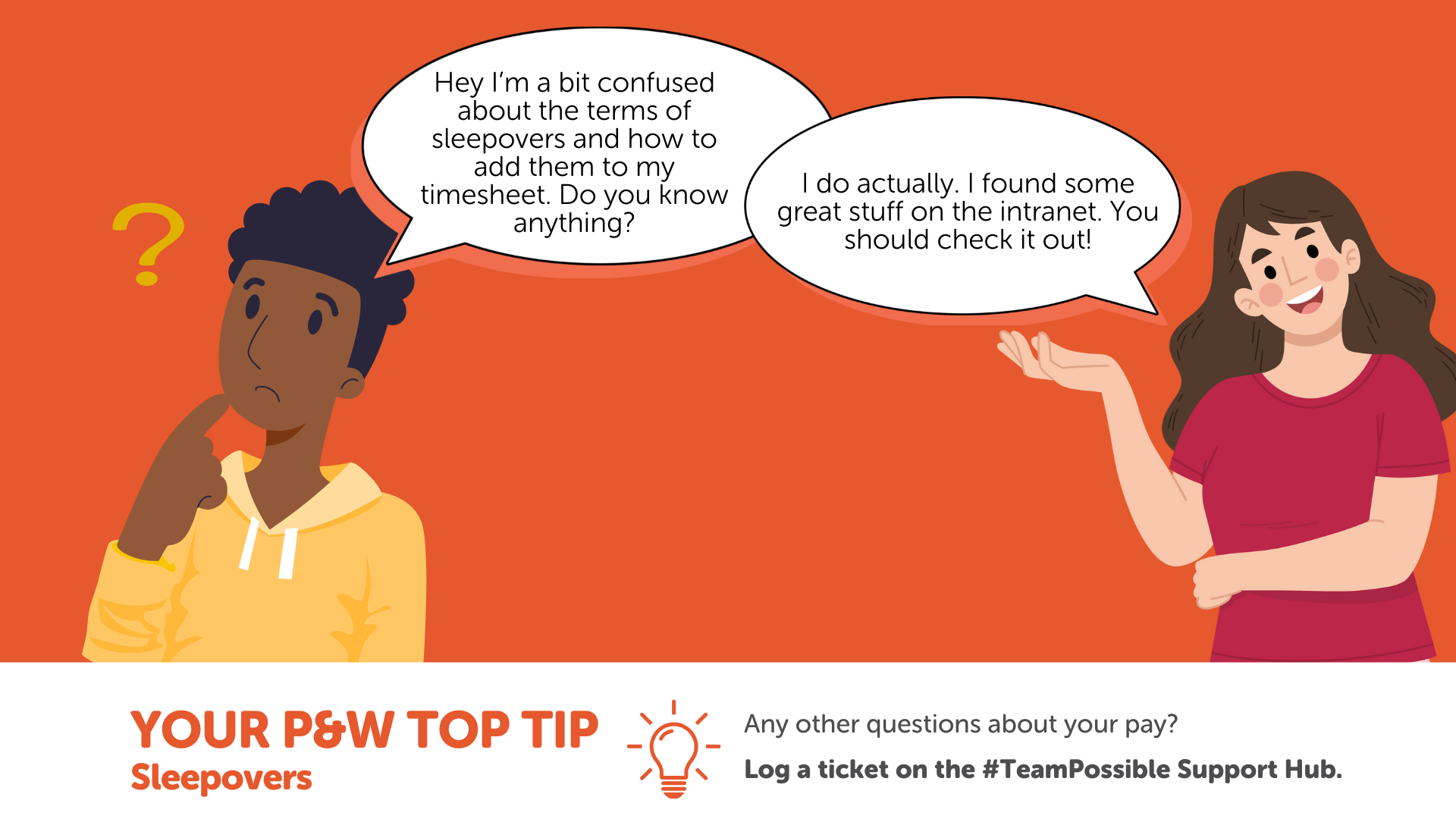
Top Tip February 2025
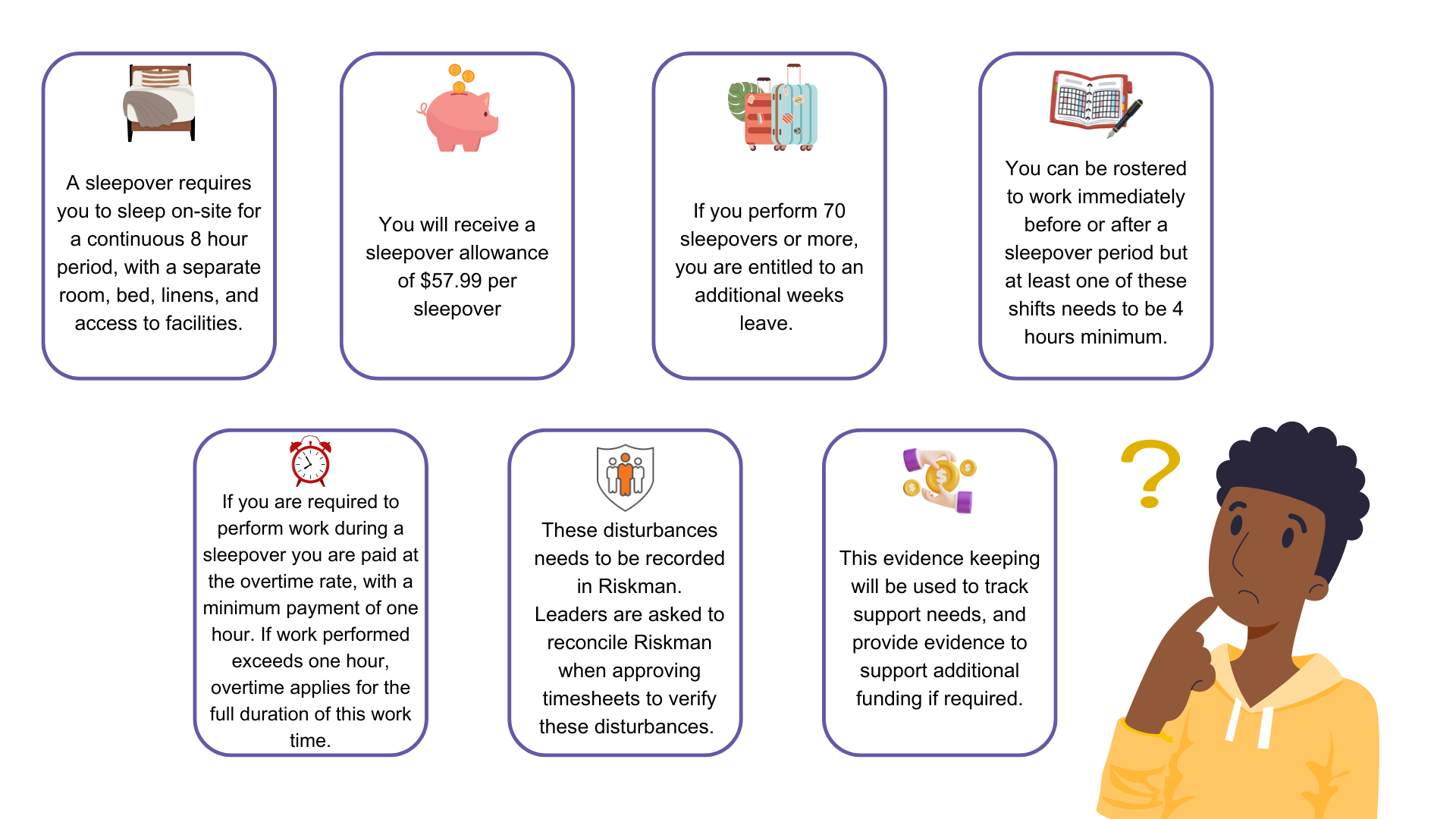
Entering a sleepover in your timesheet
When entering a sleepover in your timesheet, do not enter the time of the sleepover – only the hours worked before and after.
To receive your Sleepover Allowance, add a separate row to relevant shift, and select Sleepover Allowance under Time Reporting Code and enter 1.0 in the quantity column.
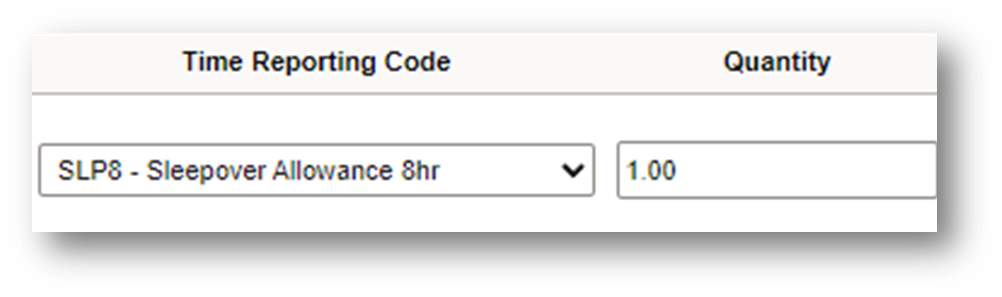
If you are required to work during the sleepover, you can claim the time worked.
Enter any time worked for disturbances using the Time Reporting Code DISOT as per example below:

If disturbances are within the same hour, it would be considered one disturbance. If more than an hour passes from the completion of first disturbance, you can start a new claim.
For more information about sleepovers, you can look at the awesome resources on the Pay, PeopleSoft and Timesheets page.
Transfers and Broken Shifts
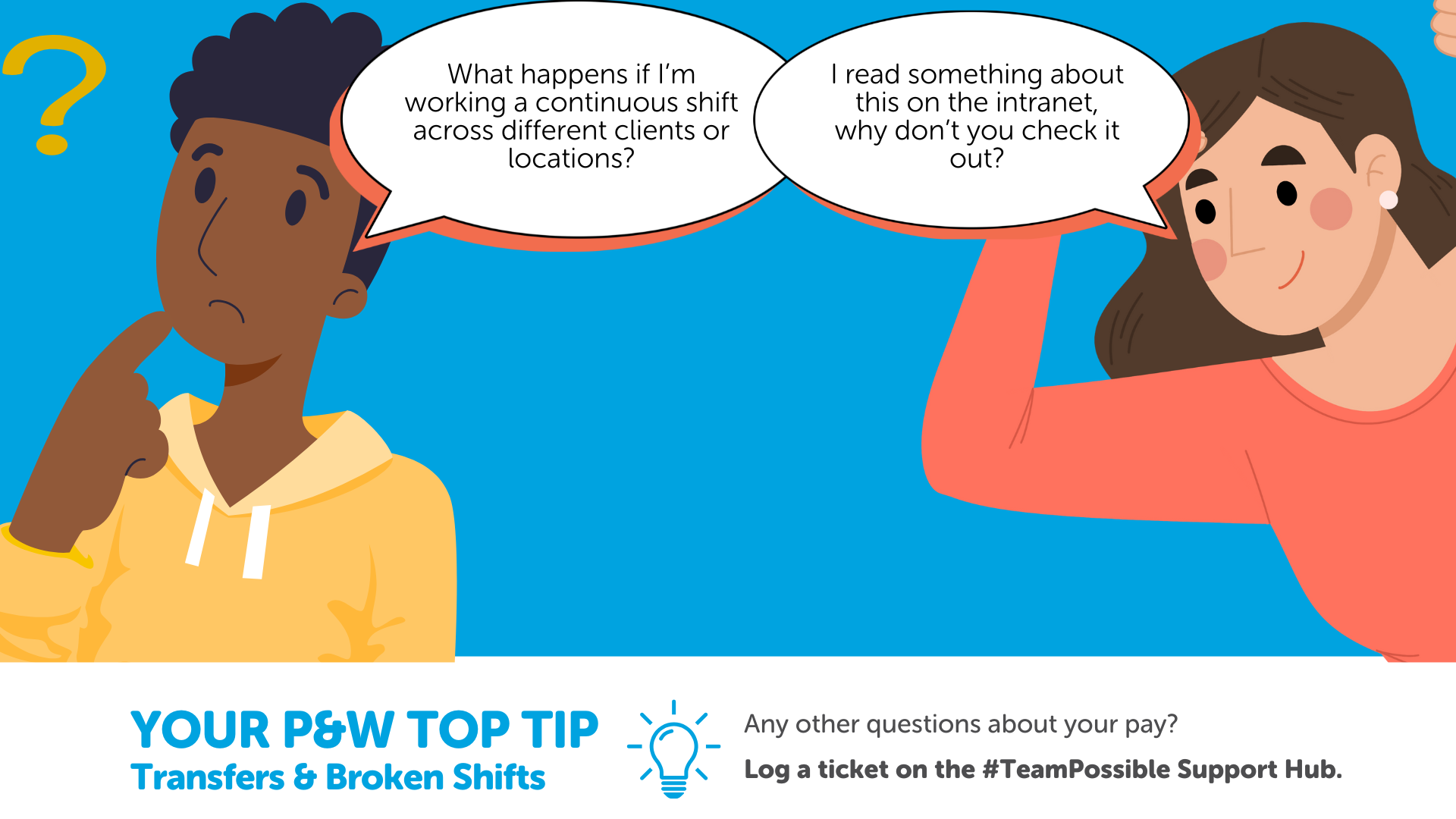
Top Tip March 2025
Transfers
A transfer is when you are working one continuous shift that might be across different clients, locations or financial coding (ie. NDIS01, NDIS04)
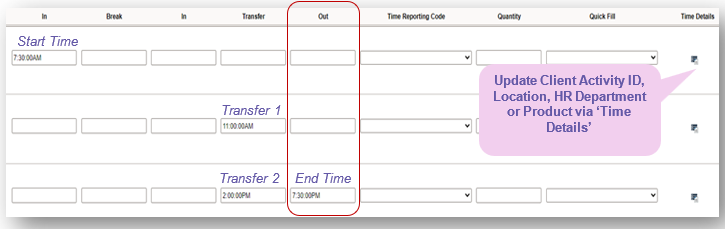
Add a new row each time the Time Details change, ensuring you only use ‘Out’ once the entire shift is complete
Broken shifts
A broken shift or “split shift” is when you work up to three periods within the same day which are separated by unpaid breaks (not including meal breaks).
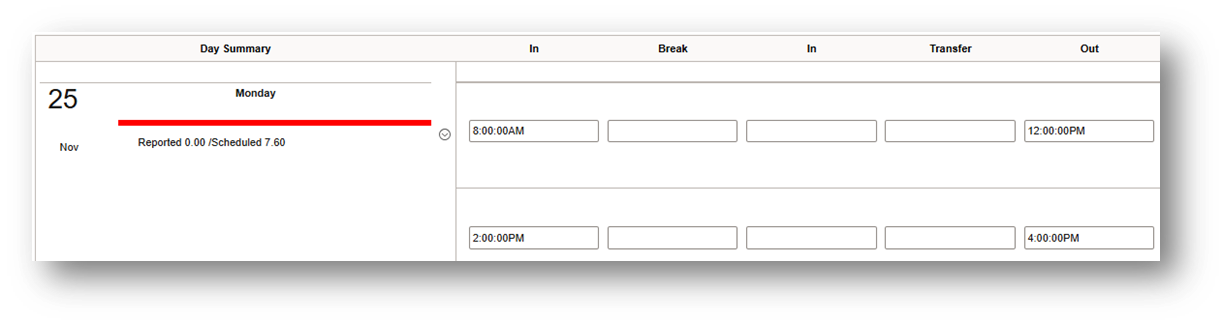
Each period of work should be reported on its own line with an ‘In’ and ‘Out’ time for each.
Broken shift allowances
- A broken shift involves working up to three periods within the same day, separated by unpaid breaks (not including meal breaks) and across a maximum of 12 hours
- A 10-hour rest period is required between consecutive broken shifts.
- Penalties such as public holiday, afternoon or night shift loading etc will apply to the periods of work that apply.
- Broken Shifts with 1 unpaid break entitles employees to $20.12
- Broken Shifts with 2 unpaid breaks entitles employees to $26.63
If you work your broken shifts, record your time on separate rows as shown below.
Each period worked should be reported on its own row, making sure an Out time is present on each line to ensure the system recognises the break in shift.
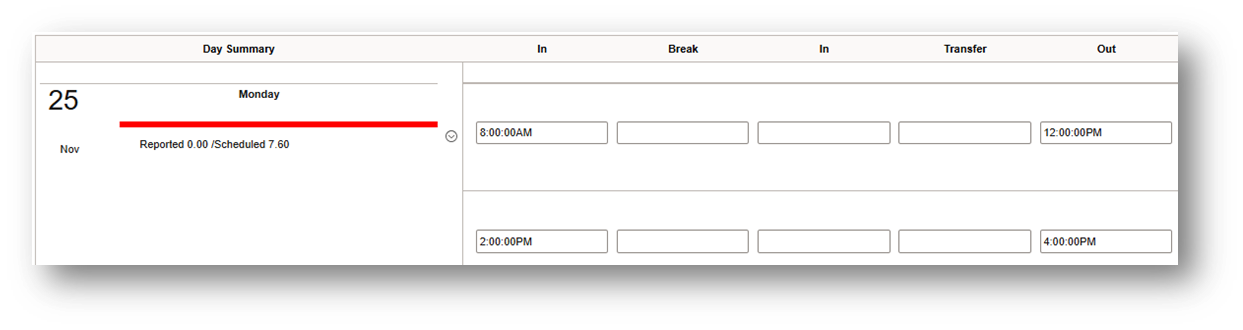
⭐ Please note – while we are yet to process payment for Broken Shift Allowance, it’s important to continue to complete your timesheet as shown above. This will enable us to determine relevant backpay once the allowance is enabled in Peoplesoft. We will communicate you when this allowance has been enabled. Thank you for your patience.
Meal Breaks
Top Tip April 2025
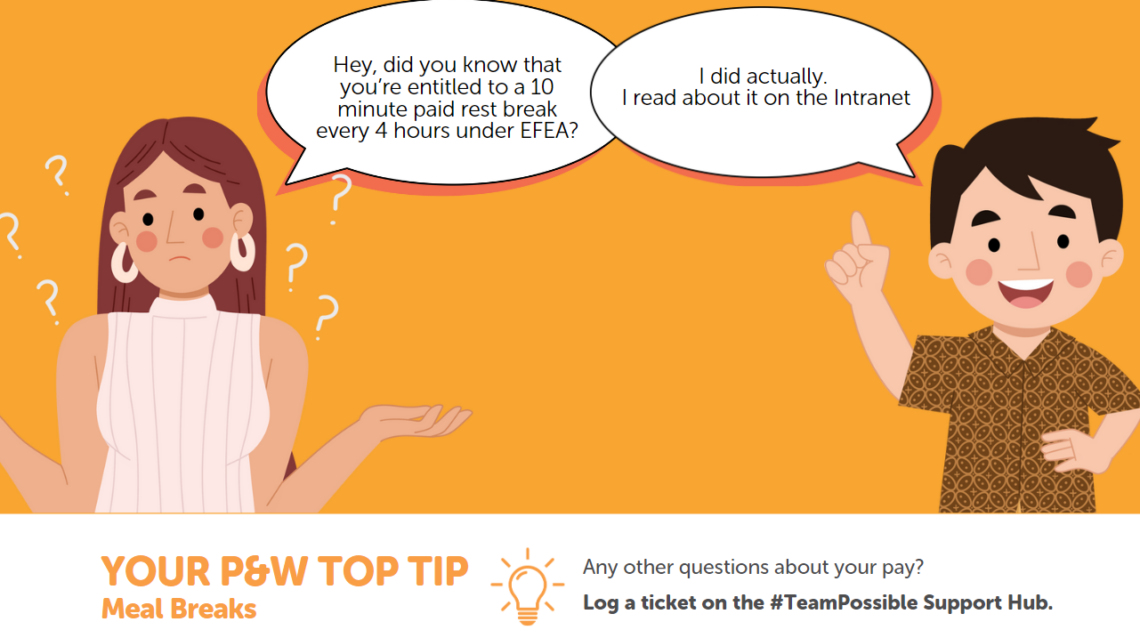
- You are entitled to a 10-minute paid rest pause every 4 hours
- You are also entitled to a 30 – 60-minute meal break if you work over 5 hours
- If you work in the Waste area, you are entitled to a 30 – 60-minute unpaid meal break if you work over 5.25 hours
- If you have a rest pause, you do not need to record this in your timesheet
- There is no longer a penalty of 0.25 for ‘Meal Break Not Taken’. This has been replaced with ‘Worked Through Meal Break’ which pays you for the time worked through your meal period (i.e. 30 minutes normal time).
For Disability Support Workers
- If you have to work through your meal break (ie: eat with a client, or you’ve been scheduled a paid meal break) you will claim this time at ordinary hours using MEAWD. You will then be paid for the total amount of hours worked from start to end of shift which includes the 30 minutes which would have ordinarily been an unpaid break, if it was taken.
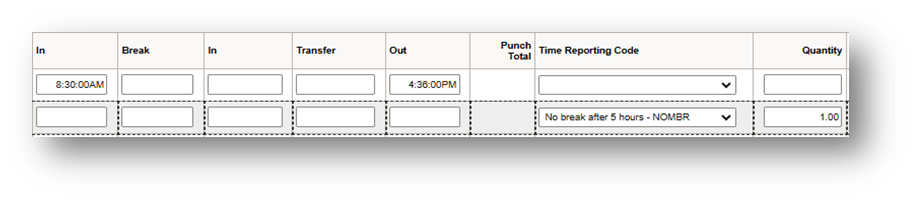
- In the unlikely scenario that you cannot take a break at all (ie: emergency situation) and your leader has confirmed there is no opportunity to take your break at another time you can claim this time using NOMBR
Client cancellation
Top Tip May 2025
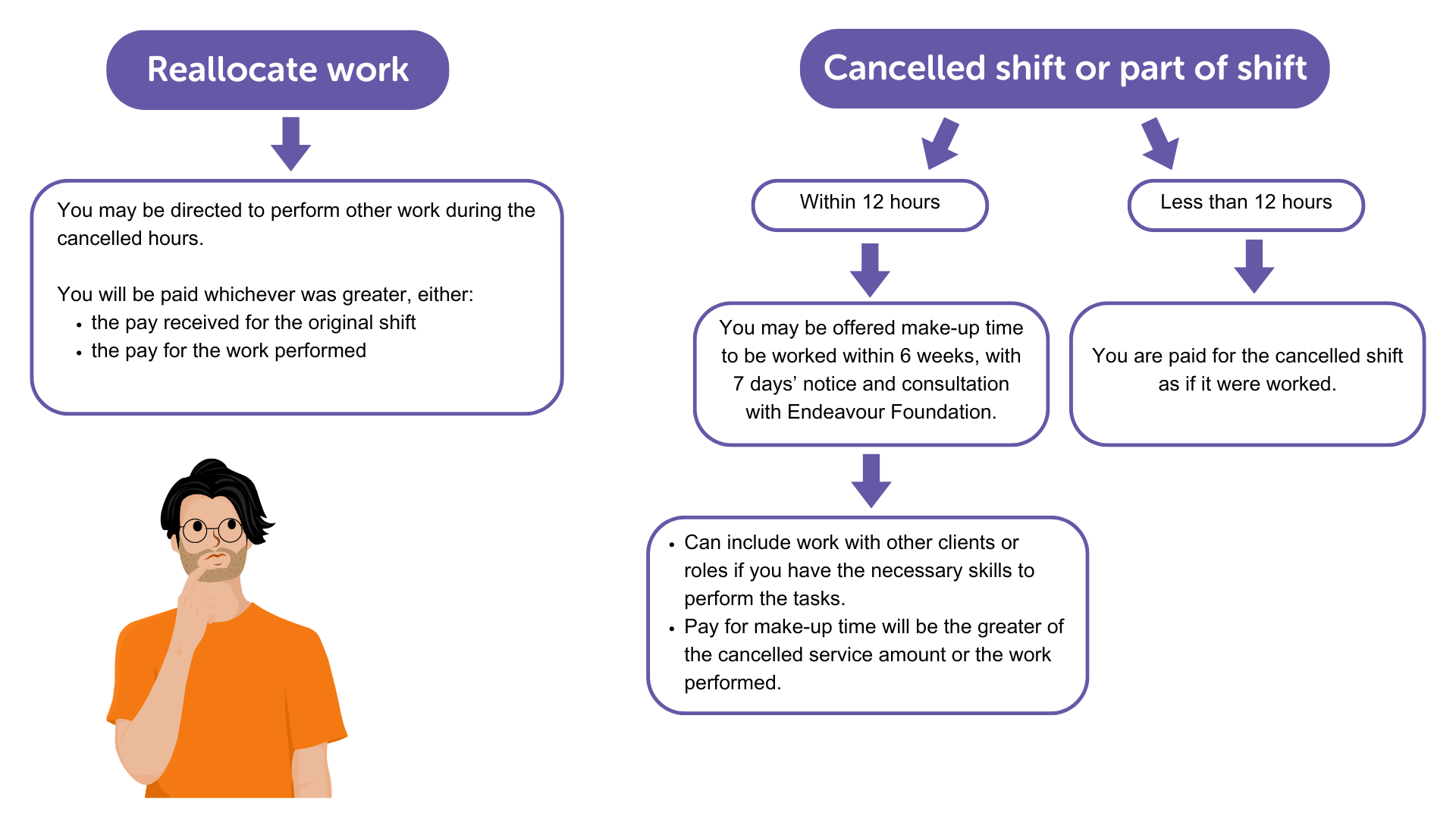
If a client cancels a scheduled service with less than 7 days’ notice, there are two options:
Allowances
News
View all
Director Election Expression of Interest

Are you in email overload?

Grant funding brings new life to Alex Hills L&L

BRACE proposed changes

Fire Services – Chubb Fire & Security is our new provider