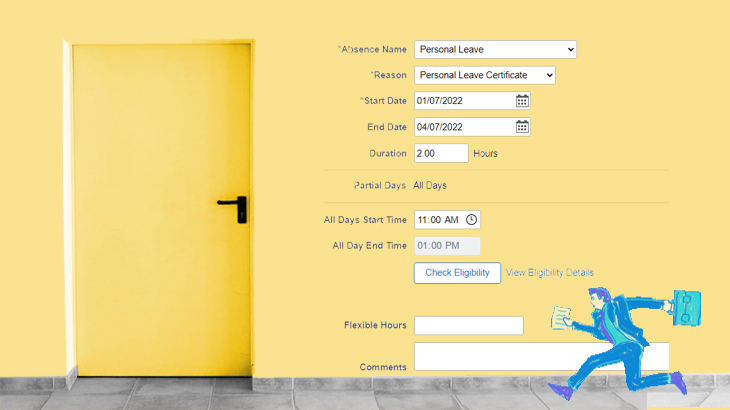
A reminder that the way all staff submit partial-day leave requests in PeopleSoft has been improved!
Start and end times have been introduced, so your manager knows what part of the day you’ll be on leave and has all the details they need to make an approval decision.
This improvement to partial-day leave will make it easier to know what shifts need covering, or office meetings that need rescheduling.
Previously in PeopleSoft, we entered the total duration of the partial day of leave (i.e. 3 hours). However this left others guessing when you’ll be absent, and any work commitments that need to be reorganised.

Vinnie needs to apply for 2.5 days’ leave.
Vinnie jumps onto PeopleSoft and enters details, including start and end time, for the partial day.
He then enters another leave request for the 2 full days.
What if my partial-day leave hours change unexpectedly?
We get it, life can be unpredictable! If you unexpectedly need to take off sooner or need to return to work later than your leave request states, that is okay. Leave can be adjusted in PeopleSoft once you’re back. If this happens, just remember to call your manager (and the Rostering team for any shift workers) so proper arrangements can be made.
Remember that all staff should continue to request partial days separately from any full-day leave requests.
Check out the Guide to partial leave requests and refer to your line manager with any questions.
News
View all
Director Election Expression of Interest

Are you in email overload?

Grant funding brings new life to Alex Hills L&L

BRACE proposed changes

Fire Services – Chubb Fire & Security is our new provider