Poster: Clear desk policy
POSTER_Clear desk policy


Being Cyber smart is not only for your own safety, it’s for the safety of our organisation. We are living in an age where we are constantly bombarded with SMS messages, emails, and growing our online presence through social media. We don’t always think about how the simple actions we take on these platforms can impact the safety of our workplace.
Lucky for us, we have a whole security team who are constantly monitoring the cyber threats to our organisation, but they can’t do this alone. It needs each one of us to remain vigilant!

Before you act, think! Does it seem suspicious? It’s safer to just reach out to the team and let them know, before it goes too far. You can submit a Security Violation ticket on the #TeamPossible Support Hub, and the team can investigate for you. It is ALWAYS better to be safe than sorry.
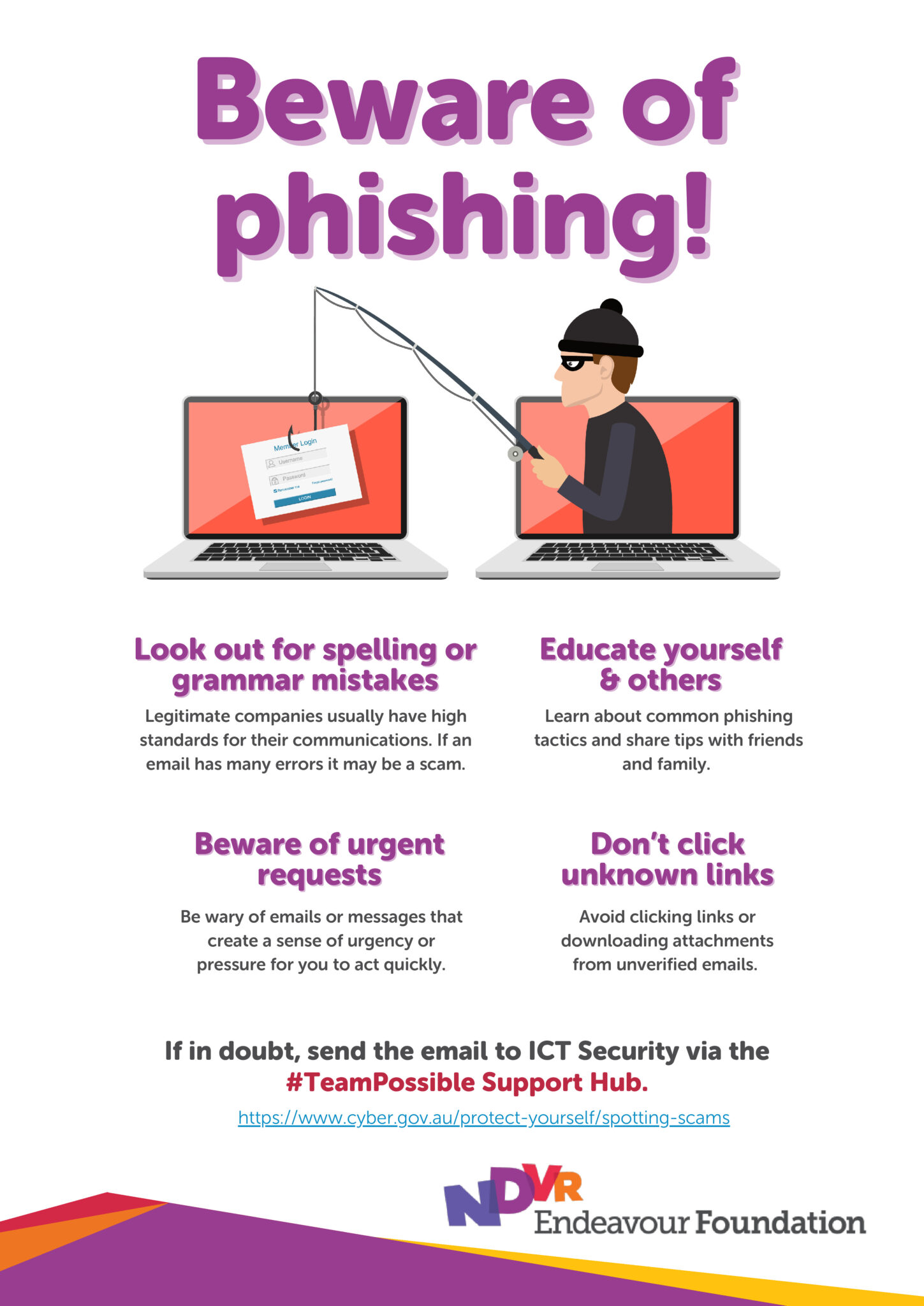
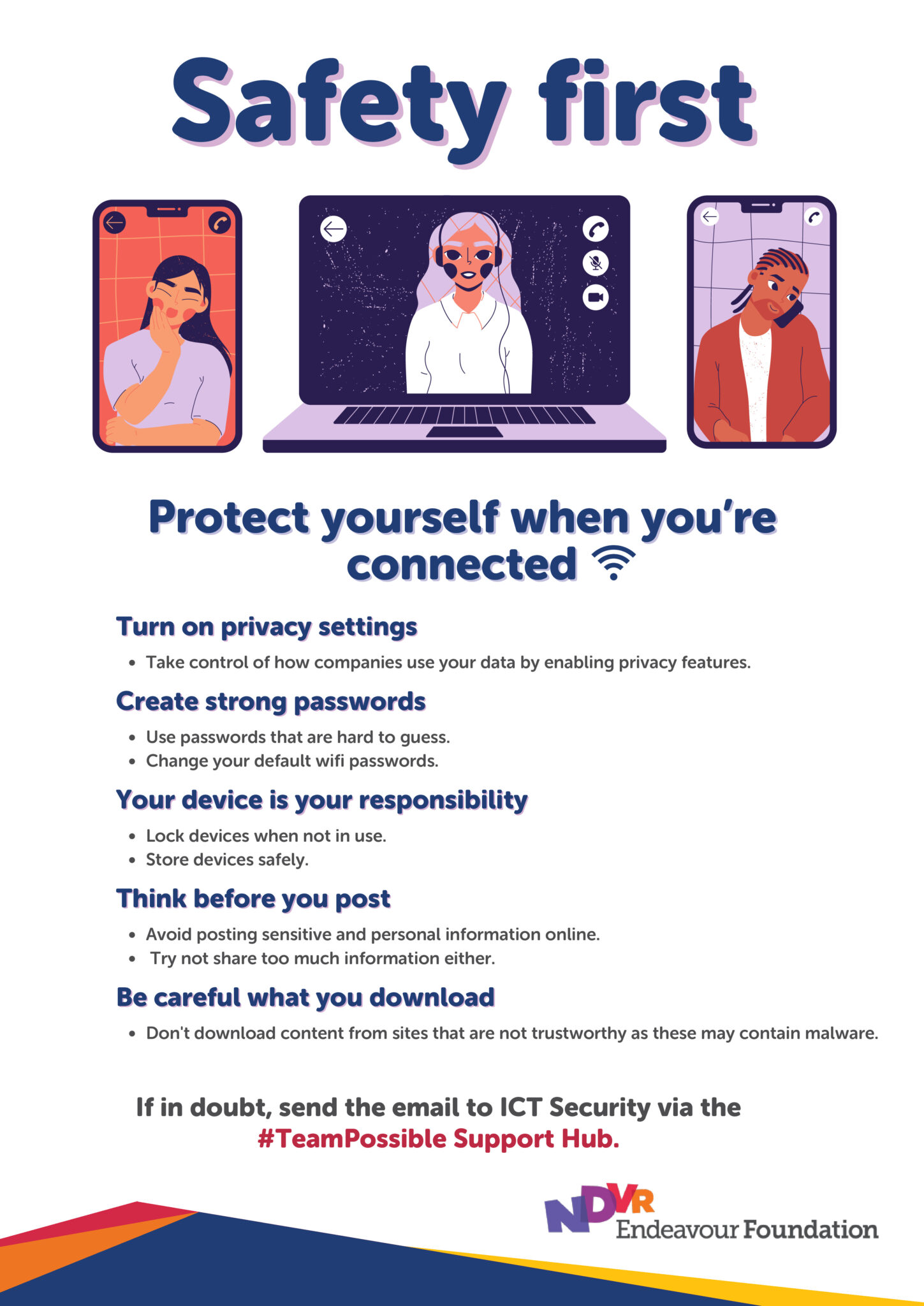
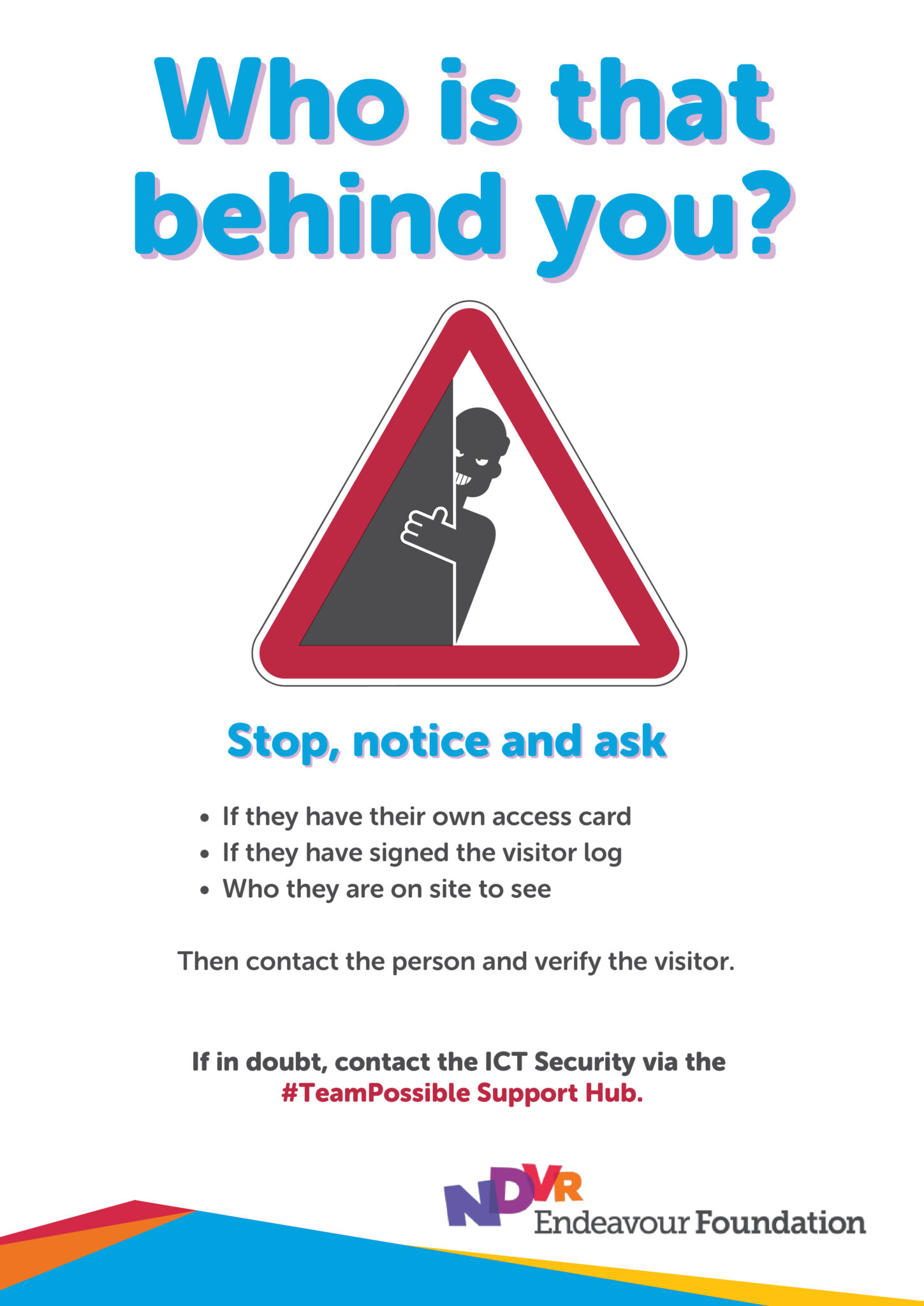
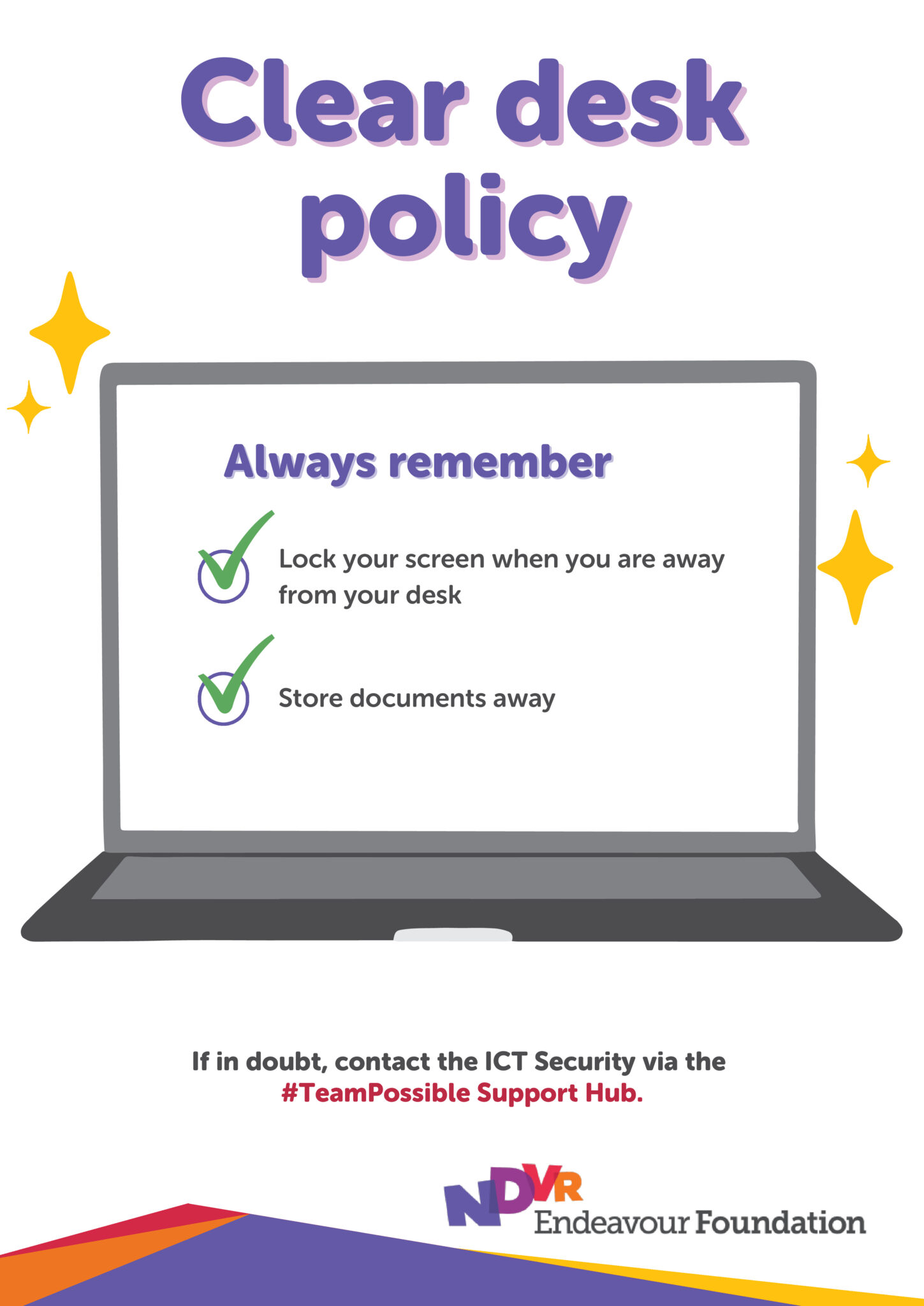
Our ICT security team has created a set of handy posters to help everyone stay cyber aware.
These posters are perfect for displaying around your site as daily reminders to protect yourself, our organisation and people we support from cyber threats.
Download the posters, hang them up, and help create a safer workplace:
Keeping Endeavour Foundation safe from cyber threats is everyone’s responsibility. One important aspect of cybersecurity is understanding insider threats; a security risk that happens when someone within our organisation, either intentionally or accidentally, causes an incident that threatens our systems.
What’s an insider threat?
An insider threat is when someone with authorised access, like employees, contractors, or vendors, misuses or mishandles information, equipment or systems. This could include accidentally sending sensitive files to the wrong person, clicking on a phishing link, or using personal devices for work without proper security measures.
How you can help prevent insider threats
Read the email about insider threats.
It’s important that we keep Endeavour Foundation safe from cyber threats. One important aspect of cybersecurity is understanding scams; which are becoming more sophisticated, and cybercriminals are constantly finding new ways to trick us.
What is a scam?
Scams can happen to anyone. Cybercriminals often use fake emails, calls, or texts to steal sensitive information or gain access to our systems. But with the right knowledge, we can protect ourselves and the company.
Common scams to watch out for
How you can help prevent scams
Read the email about scams. You can also visit the ScamWatch Australian Government website for more information.
What is social engineering?
Social engineering involves tricking individuals into disclosing confidential information or performing actions that benefit cybercriminals. These attacks can occur via email, phone calls, or social media.
Cybercriminals often gather personal details from social media to create more convincing attacks, so it’s important to be cautious about what you share online.
To help protect yourself and our organisation, here are some best practices to follow:
Be on the lookout for the following red flags that could indicate a social engineering attempt:
Read the email about social engineering. You can also visit the Secure your social media | Cyber.gov.au website for more information.
What is a Clear Desk Policy?
A clear desk policy is a set of guidelines and procedures that we have implemented to ensure employees maintain a clutter-free and secure workspace, particularly at the end of each workday, to prevent unauthorised access to confidential information
Our Physical Security Standards Policy includes information about our Clear Desk Policy in section 7.
Here’s why a Clear Desk Policy matters:
Quick tips to keep it secure:
By following these simple steps, you’re helping to protect our data, maintain compliance, and keep Endeavour Foundation secure.
Read the email about our Clear Desk Policy or download the Clear Desk Policy poster.
While ICT ensures workplace WiFi is kept secure, it is also important we follow safe practices when connecting to WiFi networks outside of work.
Imagine you’re at your favourite coffee shop, sipping on a latte ☕, and browsing the internet. Sounds relaxing, right? But did you know that public WiFi can be a playground for cybercriminals?
Here’s how to keep your online activities safe while enjoying your coffee:
🤫 Avoid Sensitive Transactions: Public WiFi is convenient, but it’s not secure. Avoid accessing sensitive information like bank accounts or entering passwords on public networks.
💻 Use a VPN: A Virtual Private Network (VPN) encrypts your internet connection, making it harder for hackers to intercept your data. It’s like having a private tunnel for your online traffic.
🛜 Verify the Network: Cybercriminals often set up fake WiFi networks to trick you. Always confirm the network name with the staff before connecting.
❌ Turn Off Sharing: Disable file sharing and Bluetooth on your devices when using public WiFi. This prevents others from accessing your files.
✅ Keep Software Updated: Ensure your devices have the latest security updates. These updates fix vulnerabilities that cybercriminals might exploit.Think of it this way: Just as you wouldn’t leave your coffee unattended, don’t leave your online security to chance. Stay vigilant and protect your data, no matter where you are.
Think of it this way: Just as you wouldn’t leave your coffee unattended, don’t leave your online security to chance. Stay vigilant and protect your data, no matter where you are.
As part of our continued commitment to cybersecurity, it’s important to remember that security doesn’t start at the keyboard – it starts at the door.
Physical security is a critical layer of protection that helps prevent unauthorised access to our systems, data, and facilities. One of the most common and easily overlooked threats is tailgating – when someone without proper ID follows an authorised person into a secure area.
Tailgating can lead to:
It can happen at:
😯 Be aware – Always be mindful of who is entering behind you.
🚪 Don’t hold the door – Even if it feels polite, don’t hold secure doors open for others unless they show valid ID.
😏 Report suspicious behaviour -If you notice someone attempting to enter without proper ID or acting unusually, notify ICT Security or the site supervisor immediately.
🔒 Secure your workplace – Lock your computer when away and store sensitive documents securely.
🪪 Always wear your ID card – Displaying your ID at a visible level helps everyone distinguish you and an unauthorised person.